Board flexibility
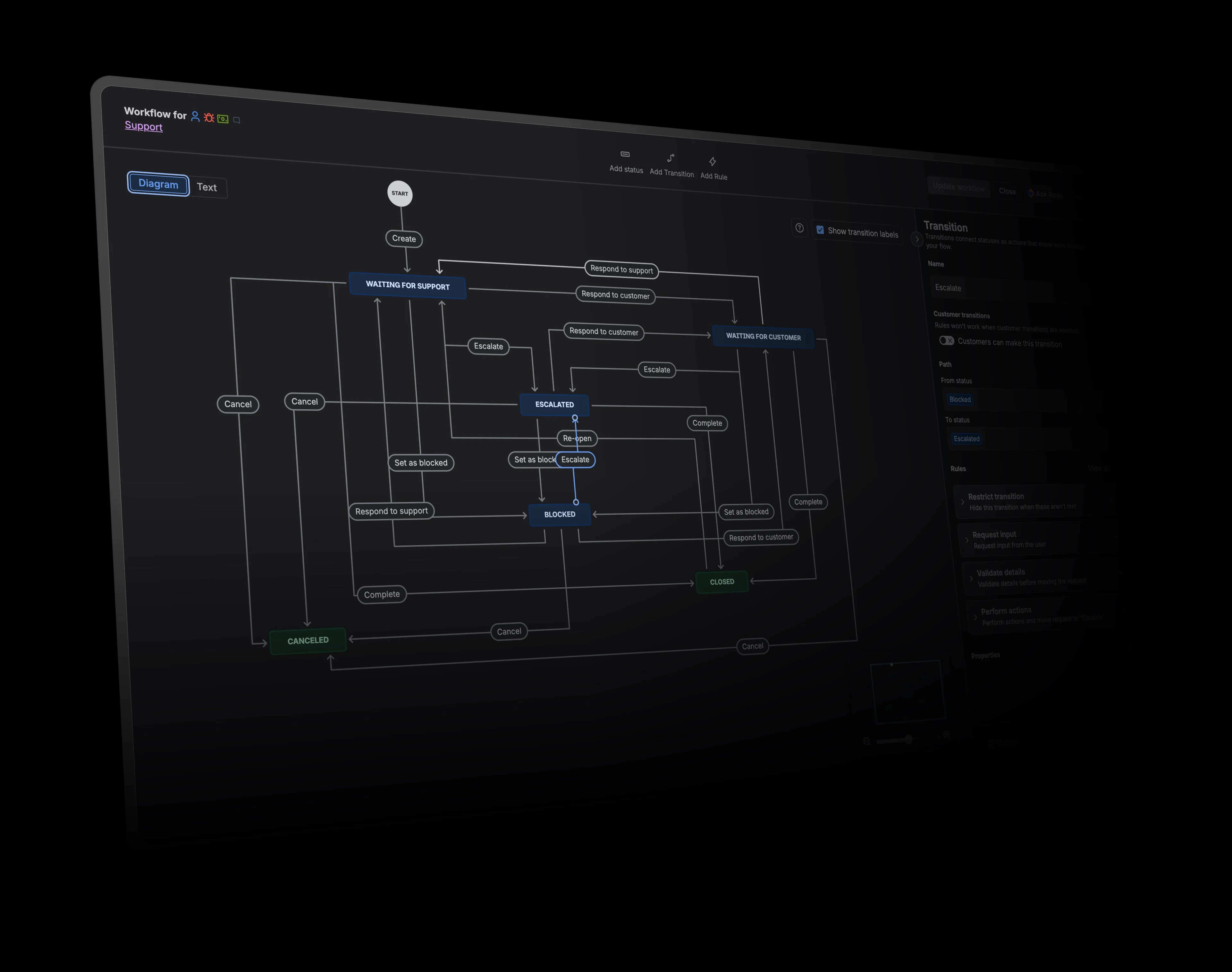
Compare how each product shapes columns, swimlanes, fields, and views around the work a team needs to manage.
Company-managed boards group columns by status and can add swimlanes by query, story, assignee, epic, or space. They do not turn any arbitrary field into draggable columns. Board scope, quick filters, rows, and card colours can use JQL queries.
Boards can group and sub-group by status, project, priority, cycle, label, team, assignee, and other supported properties. Nested filters combine issue properties with and/or logic, and filtered views can be saved and shared.
Inline and bulk editing
Look at how much everyday work can be updated directly from the board or list without opening a separate workflow.
Cards support common quick actions and moves, while broader field changes usually open the work item or bulk-change flow. Inline controls vary by board and field. Selected work items can be changed through Jira’s bulk-change workflow.
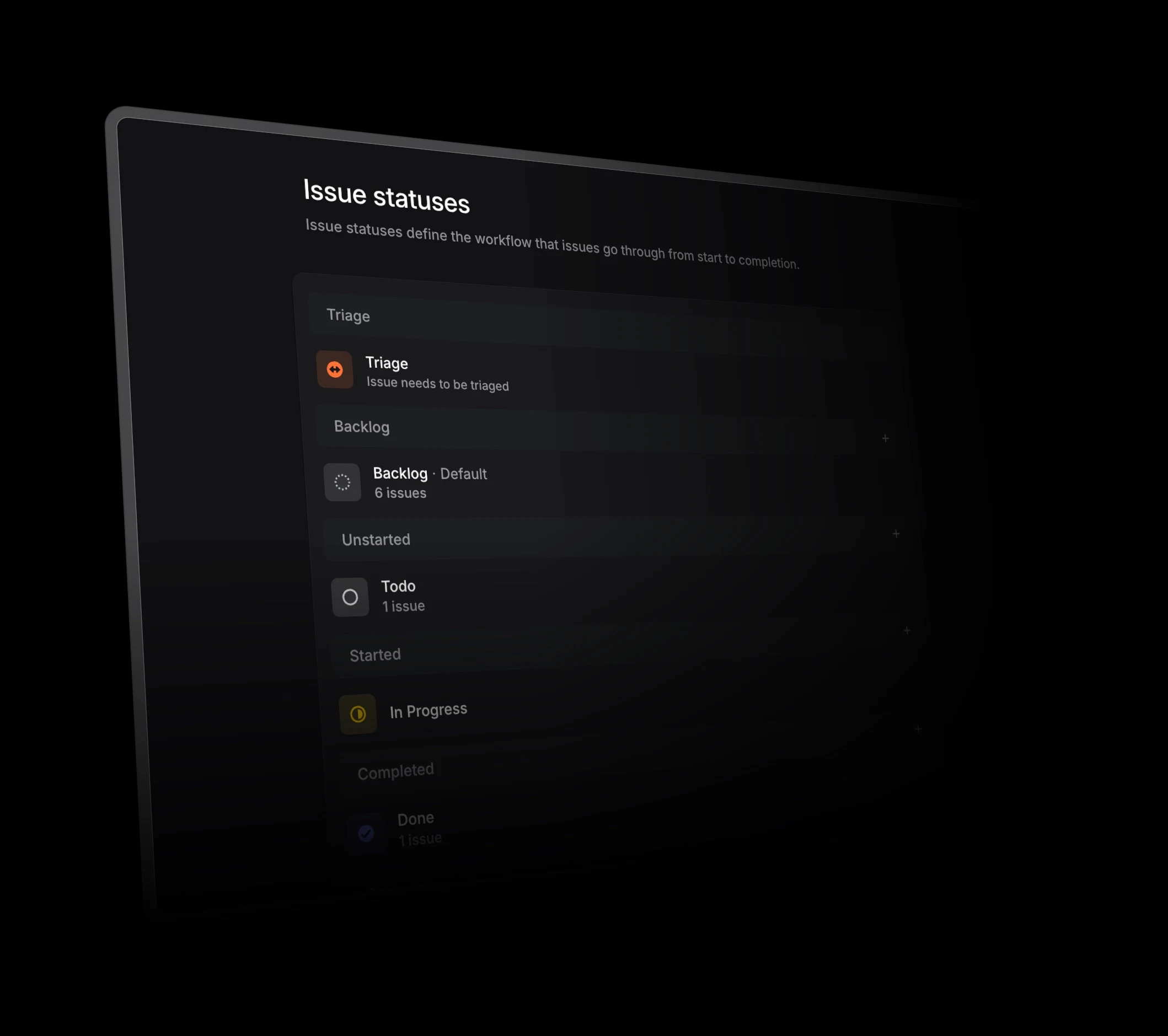
Issue properties can be changed directly through cards, contextual controls, and the command menu. Available properties follow Linear’s defined data model. Teams can select multiple issues and update common properties from the toolbar or command menu.
Card information and visual signals
Compare which fields appear on cards, how teams expose time in status, and whether colour rules can highlight important work.
Company-managed boards can show visual indicators for how many days a card has remained in a column. The board does not show a precise time-in-status value as a standard card field. Board scope, quick filters, rows, and card colours can use JQL queries.
Linear can show, sort, and filter issues by time in status. The property must be enabled where applicable. Nested filters combine issue properties with and/or logic, and filtered views can be saved and shared.
Jira integration
Compare whether Jira remains the underlying system, synchronises with another product, or sits outside the workflow.
Jira is the underlying system, so no separate Jira synchronisation is required. Jira connects with source control, build, deployment, feature-flag, and Marketplace development tools.
Jira Sync can keep mapped Jira spaces and Linear teams updated during a pilot or gradual transition. Setup requires Jira administration, mappings, and installed webhooks. Native GitHub and GitLab connections link product work with branches, commits, pull requests, reviews, and releases.


 Jira
Jira