
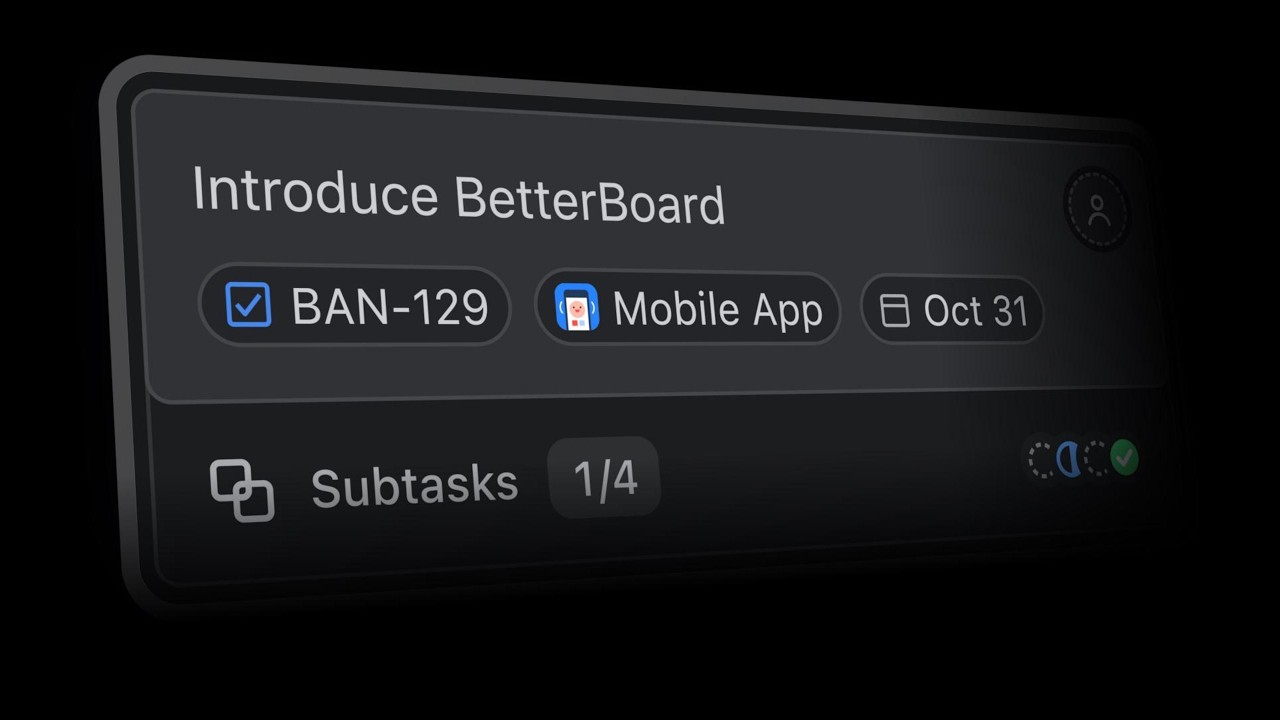
Card fields
Choose exactly which fields appear on every card. Set the view once per board and use it across support, planning, or your own backlog.
Bring your Jira spaces together on one board. Then make it yours.
 Jira
Jira  Jira Service Management
  Jira Product Discovery
 Flexible across every space type. Customizable down to every field. Fast from the very first keystroke. A board built for the people who live in Jira — and reimagined for the way they actually work.
See what changes from team-managed boards, company-managed boards, or Jira Product Discovery boards.
For the overall tradeoffs, compare BetterBoard vs Jira or browse all board comparisons.
Pulled from every Jira space type. Sliced into as many views as you need. Shared with your team — or kept entirely your own. Shaped around your work, not your space admin's.
Choose exactly which fields appear on every card. Set the view once per board and use it across support, planning, or your own backlog.
Group by any field, not just status. Map different spaces into one shared set of columns.
Combine fields into precise views, save the result, and pin the filters your team starts from every day.
Color-code work by priority, space, component, or your own rule, then discover more ways to move faster.
BetterBoard is built around the keyboard. Every action lives one keystroke away in ⌘K, the basics are single keys, and bulk-editing a dozen work items reuses the same shortcuts as editing one. Move between cards, columns, and boards without ever reaching for the mouse.
Press ⌘K and start typing. Every action in the app sits behind the same prompt, and the palette is context-aware — it only ever shows what makes sense for whatever you've got selected.
The actions you do dozens of times a day are bound to single keys, not chord combinations. Assign, label, flag, edit, create — learn them once and your hands stop leaving the home row.
Shift-arrow to grab a range, space to toggle anything in or out, then run the same shortcut you'd use on a single card — and watch it apply to the whole set. No separate bulk-edit dialog, no page reload, no waiting.
Up and down step between cards in a column. Left and right jump to the next column. Enter opens the focused card, Esc closes it. The whole board is a keyboard surface — the mouse becomes a backup, not a requirement.
Every BetterBoard view is multiplayer the moment it opens. Move a card on one screen and it moves on every other screen — instantly, on every device, across every tab.
 Sprint 42
  Sprint 42
 How long each card has been sitting in its current column, right there on the card. The clock keeps ticking, so stale work doesn't quietly disappear.
Hover any blocked card to see exactly what's blocking it, and any work it's blocking in turn. The dependency story lives on the board, not in a side panel.
Click a value on a card to edit it in place. Status, assignee, priority, due date, custom fields — no modal, no detour, no waiting on a save.
Calculated values render on the card just like every other field. Pull effort, blend priorities, compute risk — all live, all on the surface.
Group your board horizontally by assignee, priority, sprint, customer — any field, including custom. Drag between swimlanes, collapse the ones you don't need right now.
Cards show their epic or parent work item inline. The context travels with the card, not behind a click.
Drag-rank within any column and the order survives across sessions, devices, and reloads — per board, per user.
Tap the corner of any card to flag it. No menu, no comment dialog, no confirmation — just a yellow corner the whole team can see.
Show everything, the last day, the last week, the current sprint, or nothing. Done items get out of the way without losing the filter logic that put them there.
BetterBoard runs on Atlassian Forge — Atlassian's official platform for hosted Marketplace apps. That means it installs from the Marketplace in seconds, lives entirely inside your Atlassian Cloud tenant, and inherits every Jira permission your team already has. Your data stays where it always has. Nothing new to host, nothing new to configure.
Built on Atlassian Forge · Runs on AtlassianEverything you wish Jira's builtin boards would do BetterBoards delivers in a delightful and fast manner.
A great reimagining of the Jira dashboard. Used daily in production.
Read more reviews on the Atlassian marketplace
Try it today on the Atlassian Marketplace.

