1. Select shipped work
Filter completed Jira issues by status and timeframe, then keep the changelist focused on what readers need to know.
Hub release notes
Engage your customers with stunning release notes, effortlessly generated from your Jira tickets.
Trusted by hundreds of product teams
Filter → draft → publish
Compile your changelist, generate your release notes, and share the finished update without moving work out of Jira.
Filter completed Jira issues by status and timeframe, then keep the changelist focused on what readers need to know.
Generate a first draft from the selected issues, then refine the headline, story, media, and supporting detail in Jira.
Turn the shipped issues in your changelist into a clear first draft, ready to edit in your voice.
Choose the announcement page, embedded widget, or Confluence and publish the same approved update to every audience.
From shipped work to a clear story
Turn completed Jira work into clear, engaging updates without starting from a blank page.
AI copywriter. Generate release notes with a single click. Focus on telling engaging stories for your headline features while the AI copywriter takes care of the rest
Jira links. Hub automatically creates a bi-directional link to related Jira tickets
The problem with discarded drafts persisting in the draft list has been fixed. DEV-61
Rich formatting. Add images, videos, quotes or code blocks to your post
Your voice, built in
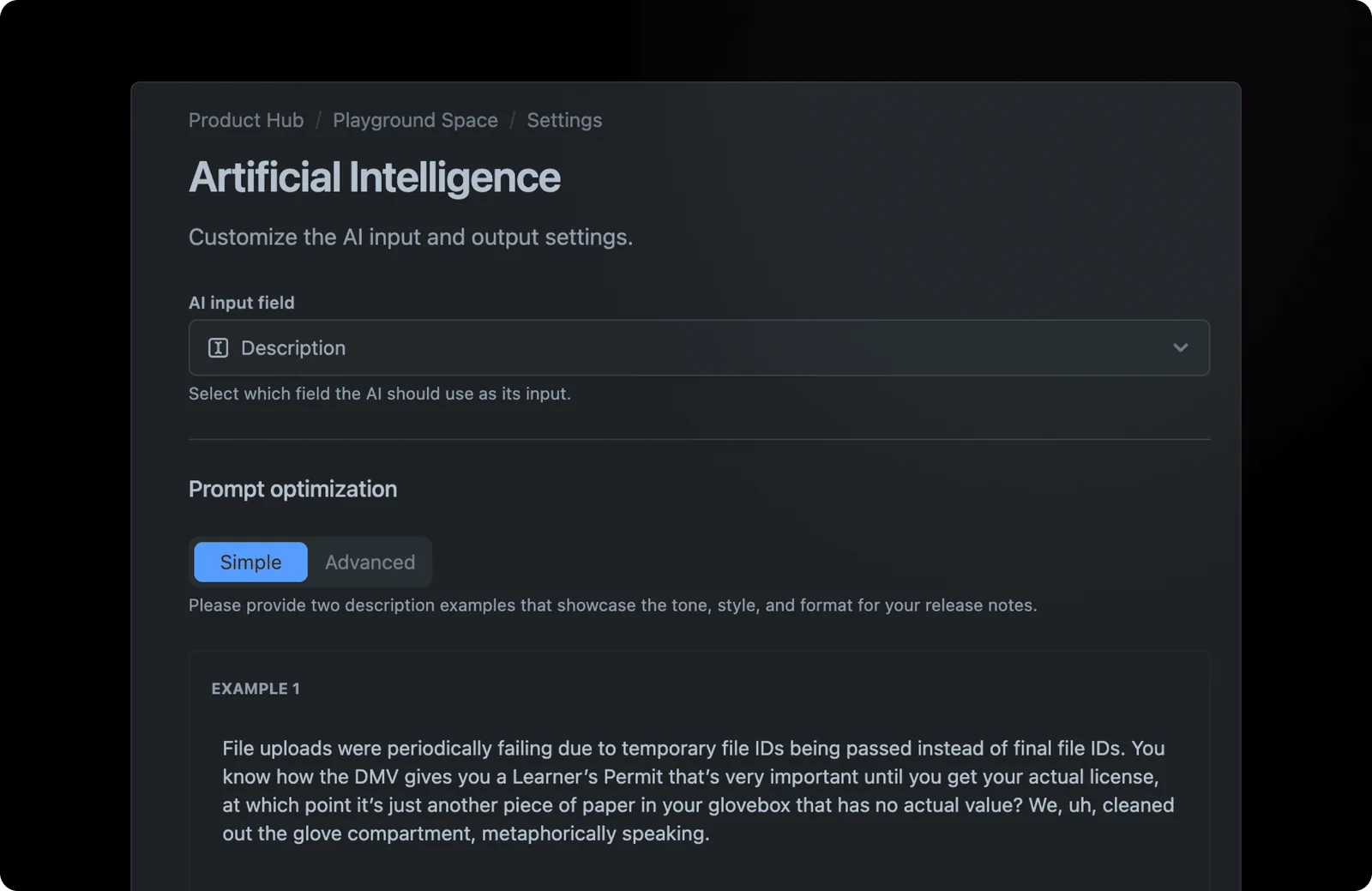
Customize the AI to match your tone of voice. Use issue-type-specific prompts to generate inspirational updates for major features and technical summaries for security issues.
Give every kind of work its own writing direction while your product voice stays recognizable.
Major feature Security Improvement
A system, not a script
Build a repeatable release-note format without making every update sound the same.
Start each update with a structure your readers already know how to scan.
Generate a section where it helps, while keeping the rest of the update firmly in your hands.
Match the tone and level of detail to feature, improvement, bug, or security work.
Meet your team where they work
Publish a live changelog in Confluence so product updates stay beside your team’s documentation.
Notify teams in Slack when a release goes live, with a clean summary and a link to the full update.
Embed your Hub announcement page in a Framer site and keep every launch on brand.
Details that keep updates useful
Fast pages and lightweight embeds keep updates out of your customers' way.
Let readers filter updates by the products and topics they care about.
Give important launches a visual identity with a reusable cover image.
From the product team
![]()
Writing release notes was among the action items I would continuously de-prioritize. Hub changed this for me by effortlessly generating release notes straight from Jira tickets.
Turn completed Jira work into polished updates your customers and teams can follow.