All comparisons

BetterBoard vs Linear

Linear set a high bar for fast, keyboard-friendly issue boards. BetterBoard brings a similarly modern experience to Jira, then goes further where flexible custom fields, advanced workflows, and cross-space configuration matter.

Opinionated issue board

Linear

A polished board and list experience built around a consistent set of native issue properties, team workflows, and keyboard commands.

  • Advantage: Board and list layouts across most issue views
  • Advantage: Advanced filters with nested AND and OR groups
  • Advantage: All-team and multi-team custom views
  • Advantage: Extensive keyboard and bulk-editing workflows
  • Limitation: Board cards use Linear’s defined issue properties rather than user-defined custom fields

Flexible board for complex work

BetterBoard

A configurable board that combines a modern interaction model with Jira’s custom fields, workflow depth, and cross-space data.

  • Advantage: Columns, swimlanes, filters, and card colours driven by supported custom fields
  • Advantage: Map several field values into one clear visual column
  • Advantage: One board across teams, workflows, and Jira space types
  • Advantage: Inline field editing and bulk actions directly on the board
  • Advantage: 25+ field-aware filter operators without JQL

BetterBoard and Linear at a glance

Both products offer capable, keyboard-friendly boards. Linear is strongest when a consistent native property model is enough. BetterBoard is more adaptable when the board needs to reflect custom fields and varied workflows.

Supported Limited Not available
Feature Linear Native issue board BetterBoard Forge app
Layout and structure
Board and list layouts Switch between two layouts for the same set of issues
Supported: Most issue views can switch between board and list
Limited: Purpose-built board view
Columns by property Choose the property that shapes the board columns
Supported: Group by status, project, priority, cycle, label, team, and more
Supported: Build columns from supported system and custom fields
Swimlanes Add a second visual dimension to the board
Supported: Add rows using another native property
Supported: Group horizontally by a supported system or custom field
Cross-team boards Bring work owned by several teams into one board view
Supported: Create All teams or multi-team custom views and refine them with filters
Supported: Combine work across teams, workflows, and space types
Map several values into one column Combine distinct workflow values under a simpler visual heading
Limited: Columns follow the selected grouping values and can be hidden
Supported: Rename columns and map multiple values into each one
Cards and fields
Custom fields Use organisation-specific data to shape and enrich the board
Limited: Uses a defined issue-property model with labels and label groups
Supported: Display, filter, group, colour, and edit supported custom fields
Configurable card properties Choose which information appears on each card
Supported: Show supported native properties; descriptions do not appear on cards
Supported: Choose supported system, custom, and BetterBoard fields
Inline field editing Update visible properties without opening the full issue
Supported: Edit common properties from cards with clicks or shortcuts
Supported: Click supported field chips to edit them in place
Time in status See how long work has remained in its current state
Supported: Available as a display property when enabled
Supported: Synthetic field available on cards and in filters
Views and filtering
Advanced filters Build precise views from several conditions
Supported: Nested AND and OR filter groups plus AI-assisted filtering
Supported: 25+ field-aware operators, combined without writing JQL
Saved views Keep reusable board configurations for different jobs
Supported: Save and share filtered board or list views
Supported: Each private or shared board saves its own fields, filters, and layout
Card colour conditions Use issue data to make risk or urgency visible at a glance
Limited: Native property colours and visual treatments
Supported: Apply conditional colours from any filterable field
Board interaction
Keyboard navigation and commands Navigate and act without reaching for the mouse
Supported: Extensive shortcuts and a command menu
Supported: Full board navigation, single-key actions, and command palette
Bulk editing Update several selected cards together
Supported: Multi-select issues and use the toolbar or command menu
Supported: Multi-select cards and edit supported fields from the board
Drag to update grouped properties Move cards between columns or rows and update their underlying data
Supported: Dragging adopts the destination group property
Supported: Dragging updates supported column and swimlane fields

A Linear-like board without changing systems

If the appeal of Linear is a faster, cleaner way to work on a board, first ask whether you need a new product or a better board. BetterBoard offers many of the same interaction strengths while retaining the field and workflow depth your teams already use.

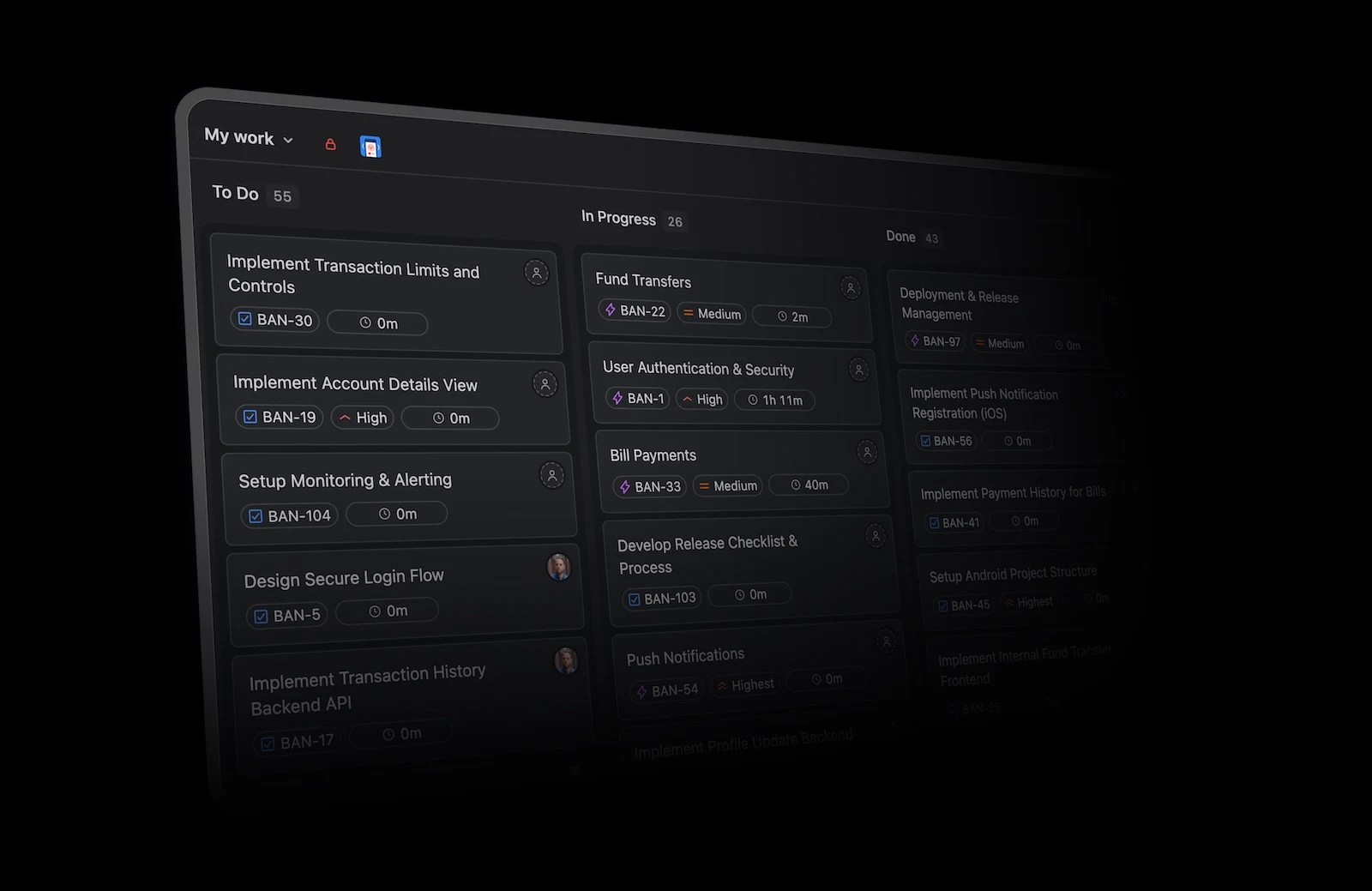
BetterBoard showing work arranged across To do, In progress, and Done columns with issue fields visible on each card
A focused board keeps the workflow and key issue fields visible without leaving the view.

Both products support keyboard navigation, command menus, bulk actions, inline property changes, saved views, and drag-and-drop updates.

A more adaptable field model

BetterBoard can use supported custom fields for cards, filters, columns, swimlanes, and colour rules instead of limiting every team to one native property model.

Advanced workflows remain available

Complex status transitions, required fields, permissions, automation, and work-item relationships continue to shape how cards can move and change.

Where BetterBoard goes further

BetterBoard’s strongest advantages appear when the board must adapt to the organisation rather than asking every team to adopt the same set of issue properties.

A BetterBoard card showing its issue key, Jira space, due date, assignee, and subtasks
Cards can surface the fields, dates, ownership, and relationships that matter to the team.

Custom fields throughout the board

Use supported organisation-specific fields to define what appears on cards, how work is grouped, which items are visible, and how cards are highlighted.

Several values in one column

Map different workflow values into a shared visual column, rename it for the audience, and keep the underlying values intact.

Field-aware visual rules

Apply conditional card colours from filterable fields and surface BetterBoard fields such as blockers and time in status.

Where Linear stands out

Linear’s narrower property model enables a cohesive board and list experience. Several board capabilities are excellent and should be weighed honestly.

Advanced filter logic

Linear can combine conditions with nested AND and OR groups and also offers AI-assisted filters. BetterBoard offers many field-aware operators but combines saved conditions with AND logic.

Board and list parity

Most supported issue views can switch between board and list layouts while keeping the same filtering and ordering context.

Consistent native properties

Teams that do not need organisation-specific custom fields may prefer a smaller, carefully integrated set of properties and display options.

Cross-team boards in both products

Linear does support cross-team boards. An All teams or multi-team custom view can bring issues from several teams together, then filters narrow the result. BetterBoard achieves the same outcome across Jira spaces while preserving the different fields and workflows behind each card.

BetterBoard column settings mapping Mobile App and Web App workflow values into shared To do, In progress, and Done columns
Each Jira space can map its own workflow values into a shared set of board columns.

Linear uses workspace views

Create an All teams view, filter it to selected teams, and save it as a reusable custom board. Issues still belong to one Linear team.

Select the spaces the board should include, then configure their field values independently so different workflows can share a clear layout.

The difference is workflow variety

Linear’s cross-team view works across a consistent issue model. BetterBoard is designed to reconcile work whose fields and workflow values vary by team.

Sources and verification

Last verified September 11, 2026. Board features can change. These primary sources were checked for the capabilities described on this page.

A modern board does not have to mean a simpler data model

Linear delivers an excellent board around its native properties. BetterBoard pairs a similarly fast workflow with the custom fields, varied workflows, and cross-team complexity that larger Jira setups depend on.

Try the more flexible board

Bring your existing fields and workflows into BetterBoard and see how a modern board feels with fewer compromises.

Try BetterBoard free