
Bring CRM data into your Jira board with Elements Connect
Use Elements Connect to bring CRM data into Jira custom fields, then display, filter, and group it in BetterBoard.
On this page
Say a support team is working a ticket for a big customer. The Jira issue tells them who the customer is. It doesn’t tell them which products that customer has actually bought, what service level they’re on, or whether their contract is still active. That information doesn’t live in Jira. It lives in the CRM.
Teams usually solve this by adding a “Product” field to Jira and filling it in by hand. It works for a while. Then products get renamed or retired, people misspell values, and the field drifts out of sync with what’s actually true in the CRM. Reporting on it gets unreliable, because it depends on everyone typing the same thing the same way.
Elements Connect is a Jira app that connects a custom field directly to an external system: a CRM, a database, a directory, anything with an API. Instead of maintaining a second, stale copy of the product list inside Jira, the field pulls live values from the CRM itself. Pick a customer, and the “Purchased product” field only offers the products that customer currently has. The CRM stays the single source of truth, and the Jira admin has one less list to keep in sync. Elements’ guides to data sources and connected fields cover the setup in detail.
That data still just sits on the issue, though. BetterBoard now brings it onto the board.
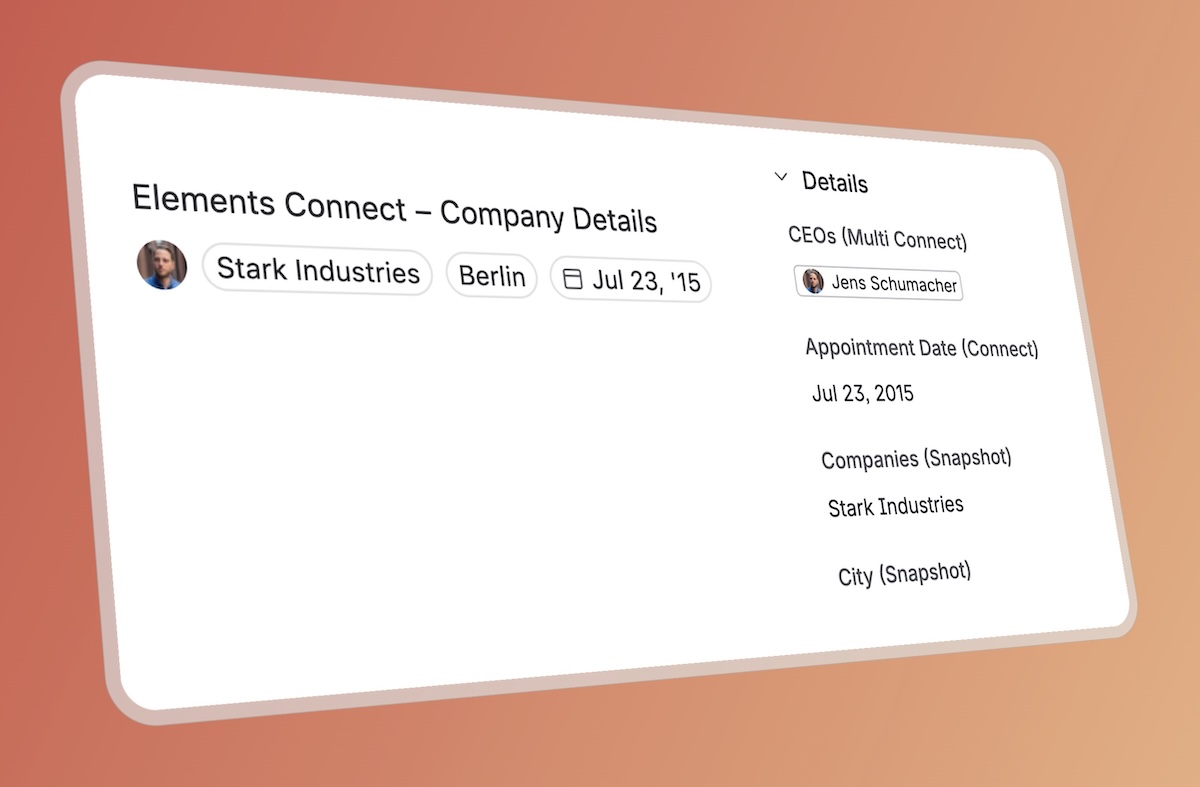
What BetterBoard adds
A standard Jira board tells you where work sits in a workflow: to do, in progress, done. It doesn’t tell you much about the work itself. If a support and product team is looking at thirty open issues, knowing which ones affect a specific enterprise account, or which ones relate to the same product, is exactly the context a plain board leaves out.
BetterBoard now reads Elements Connect fields and lets you use them like any other board data:
- Show it on the card. Display the customer, product, service, or asset value right on each card, so it’s visible while the team plans.
- Filter by it. Narrow the board to a specific account, product, or service when you need to focus on one problem or one customer.
- Group by it. Arrange cards by account or category so related work sits together instead of scattered across the board.
Elements Connect handles the connection to the external system. BetterBoard makes the result useful on the board where teams are actually deciding what to work on next.
Other things Elements Connect is used for
CRM data is one example, but the same pattern shows up anywhere Jira needs a controlled value from a system it doesn’t own:
- CRM enrichment. Pulling account details, active contracts, or usage limits from Salesforce or HubSpot into Jira, so a support team can filter or group by customer.
- IT service management. Linking a service request to a real asset from a CMDB. A requester picks “broken printer” and Jira attaches its serial number and maintenance history automatically.
- HR and provisioning. Pulling employee details from Active Directory, Okta, or Azure AD into onboarding and access requests.
- Cross-instance lookups. Bringing linked issues or project lists in from another Jira instance.
- Cascading fields. One choice narrows the next: pick an office, and the printer list narrows to that office.
In every case, the source system stays responsible for the data. Jira just stores the selected value against the work item.
What’s supported today
BetterBoard supports Elements Connect fields for display, filtering, and grouping, with two limits worth knowing. They can’t be used as board columns. And inline editing only lets you pick from values already assigned to the issue; to select a new value from the full CRM list, you still edit the field in Jira itself.
This also only works with fields created by the current Elements Connect app. If you have a field from the legacy version, copy it into the current app first, then use that copy in BetterBoard. The BetterBoard field types documentation has the full support matrix and migration note.
The division of labor stays clean: Elements Connect owns the connection to the external data source, Jira stores the value on the issue, and BetterBoard surfaces it on the board.