
How to build a Now, Next, Later roadmap in Jira Product Discovery
Learn how to build a clear, communicative Now, Next, Later roadmap in Jira Product Discovery, without overplanning or clutter. Perfect for sharing product priorities with stakeholders and customers.
On this page
A Now, Next, Later roadmap gives customers and stakeholders a way to understand your priorities before you can commit to delivery dates. It shows what is underway, what is likely to follow and which ideas are still being explored.
In Jira Product Discovery (JPD), you can organise those ideas in a board view. Use “Now” for committed work, “Next” for likely priorities and “Later” for possibilities that still need investigation. That leaves room to gather feedback and change direction as you learn.
This guide covers setting up that view, tailoring it for different audiences and keeping it useful as plans change.
Getting started with the Roadmap template
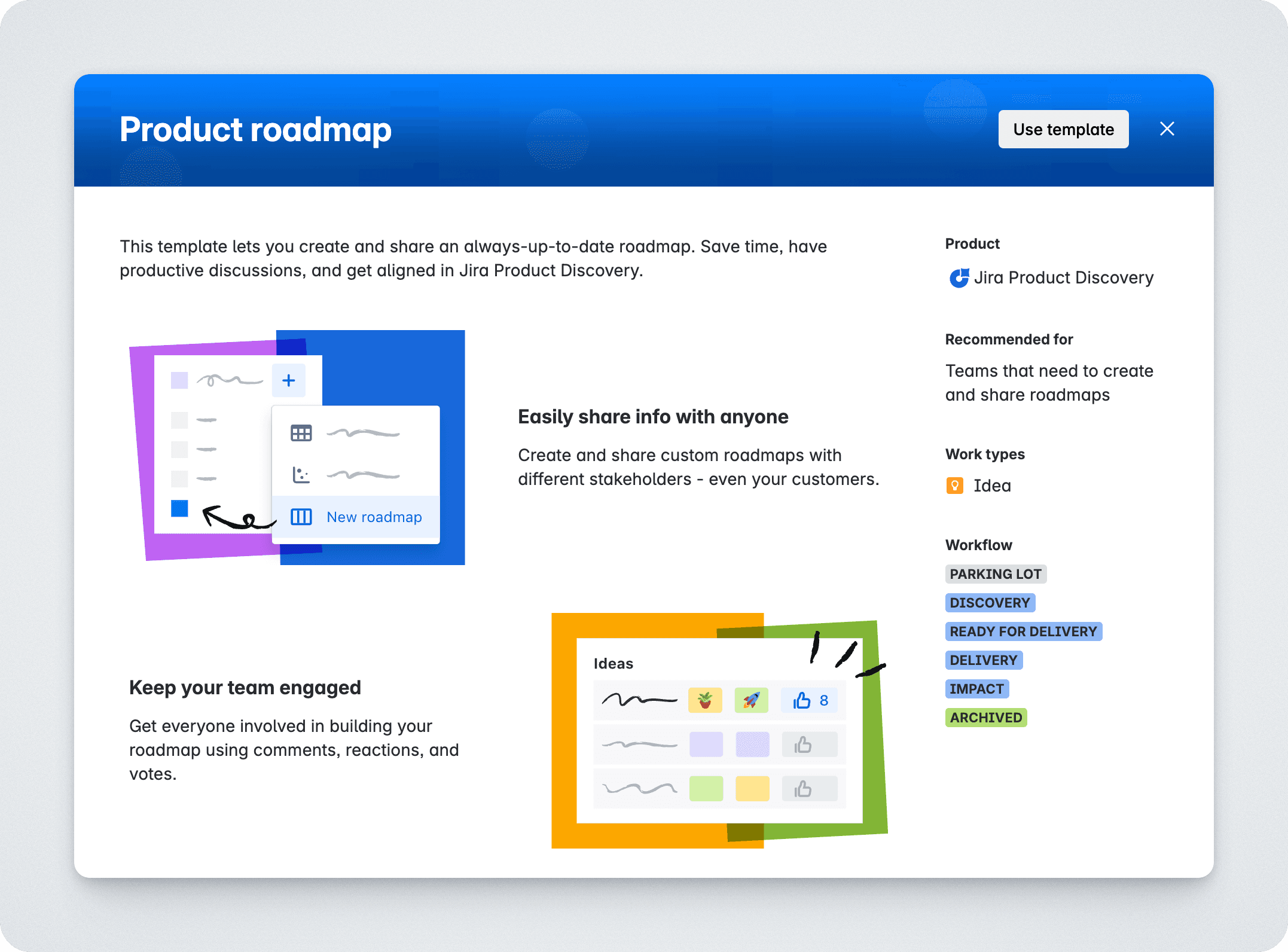
You could set everything up manually, but there’s no need. JPD’s built-in Roadmap template gives you a fast start. It adds a custom field called Roadmap, with four options: Now, Next, Later, and Won’t Do. That’s all you need to structure your thinking and communicate priorities, without over-engineering the setup.
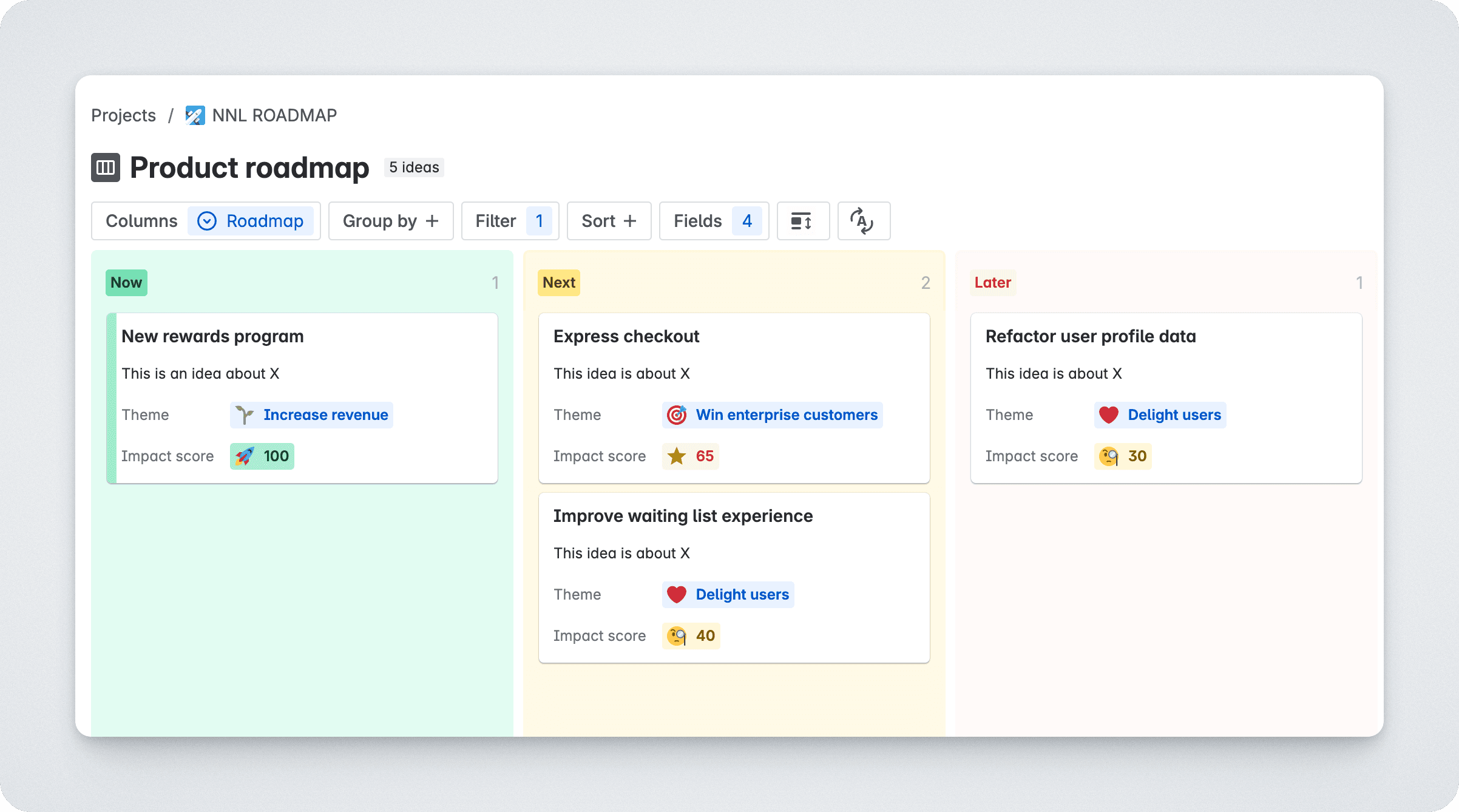
The template also creates a ready-to-go board view grouped by that field. Each column corresponds to one of the roadmap phases. When you drag an idea into a different column, the roadmap status updates automatically. It’s simple, clear, and fast to maintain.
The board is for communication, not planning
The Now, Next, Later (NNL) board is a communication tool—a way to show the direction you’re headed, both internally and externally. Keep the messy work of triage, exploration and discovery in your internal workflow.
Think of it like this: the board tells a story about your priorities. You move ideas onto it when you’re ready to start talking about them. Whether that’s with your stakeholders, with leadership, or with customers.
The JPD template gives you separate Status and Roadmap fields. Use granular Status options, such as Parking lot and Discovery, to track the internal work of investigating ideas. Use Roadmap to show the priorities you are ready to discuss. That’s your private kitchen and your clean storefront: connected, but serving different purposes.
-
Now: Here’s what we’re actively building. We are committed to this. It’s happening.
-
Next: This is what we’re planning to tackle soon. It’s been vetted and is high on our list. It’s the on-deck circle.
-
Later: Here are some good ideas we’ve had. We think they have potential, but we haven’t fully scoped them out. No promises.
Used well, the roadmap board invites feedback. Especially on the “Later” column. That’s where you can get input from customers or stakeholders before you’ve locked in direction. What’s missing? What’s exciting? What’s surprising? It gives you a way to talk about priorities without pretending you have all the answers.
The power of “Won’t do”
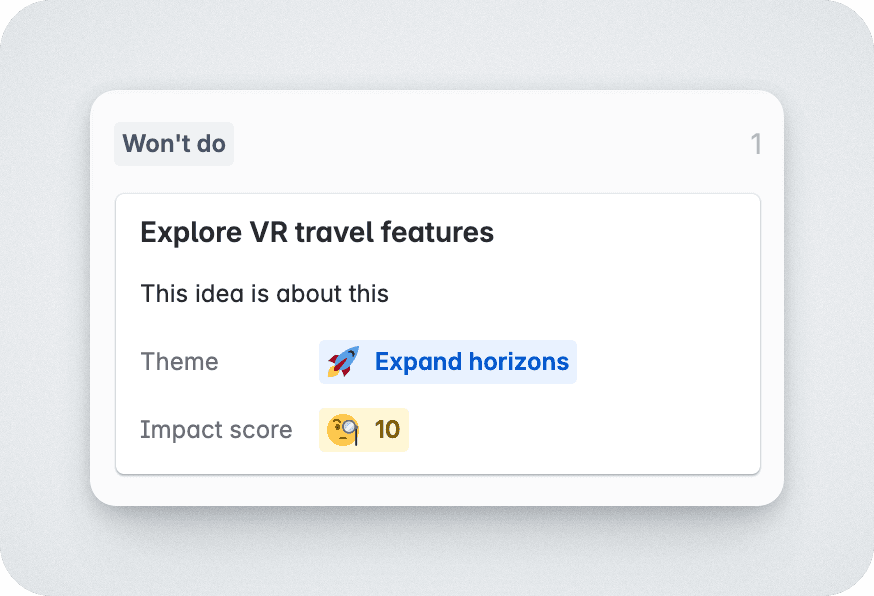
The JPD template also gives the Roadmap field a fourth option, and it’s a beauty: “Won’t do.”
This might be the most powerful column on your roadmap. Saying yes is easy, saying no takes discipline.
Moving an idea to “Won’t do” is a decision. It brings closure. It stops “maybe someday” ideas from lingering in the background, quietly draining attention and energy. It signals to your team and stakeholders that you’ve considered it, and you’re choosing to focus elsewhere. Don’t leave these ideas hanging. Be clear. Be decisive. Use this column.
Customizable views for different audiences
Once your roadmap is set up, you can tailor it for different audiences. Create filtered board views by team, goal, product area, whatever makes sense for your stakeholders. Maybe you create a simplified view for executives that hides effort scores and delivery details. Or a more tactical version for the engineering team that shows status, owners, and linked delivery tickets.
You can publish a native JPD view and share it via a public link. When your site admin enables public-link sharing, viewers do not need an Atlassian account. If you want a branded stakeholder or customer portal with feedback alongside the roadmap, you can use Released Hub.
For the sharing options and setup steps, see how to share your Jira roadmap with customers.
Bring it to life
To make the board truly useful as a communication tool, you need to see the right information at a glance. Click the “Fields +” button and choose what to show on the cards. Don’t just show the title. Add things like:
-
Impact Score: How much do we think this matters?
-
Effort: How big is this thing?
-
Strategic Goal: Why are we considering this?
-
Delivery Progress: Link your “Now” items to Jira tickets and see progress in real-time.
This turns a simple board into a powerful story about what you’re doing and why. Anyone can look at it and understand the plan without needing a 30-minute meeting. It’s a conversation starter, and the perfect tool to keep your team and stakeholders aligned.
Keep it alive, keep it honest
The power of this roadmap isn’t in the tool, it’s in how you use it. Review it regularly. Keep the “Now” column fresh. Reassess “Next” and “Later” items when things change. Be willing to move things back or forward as your confidence shifts.
If you’ve linked ideas to Jira Software issues, JPD can even show delivery progress directly on each card, so your discovery work stays connected to what’s shipping.
Done right, your roadmap becomes a single source of truth: not for what will happen, but for where you’re headed and what you’re thinking about. No fake deadlines. No human Jira sync. Just a living, evolving view of your product priorities.