
Collect and discuss customer feedback
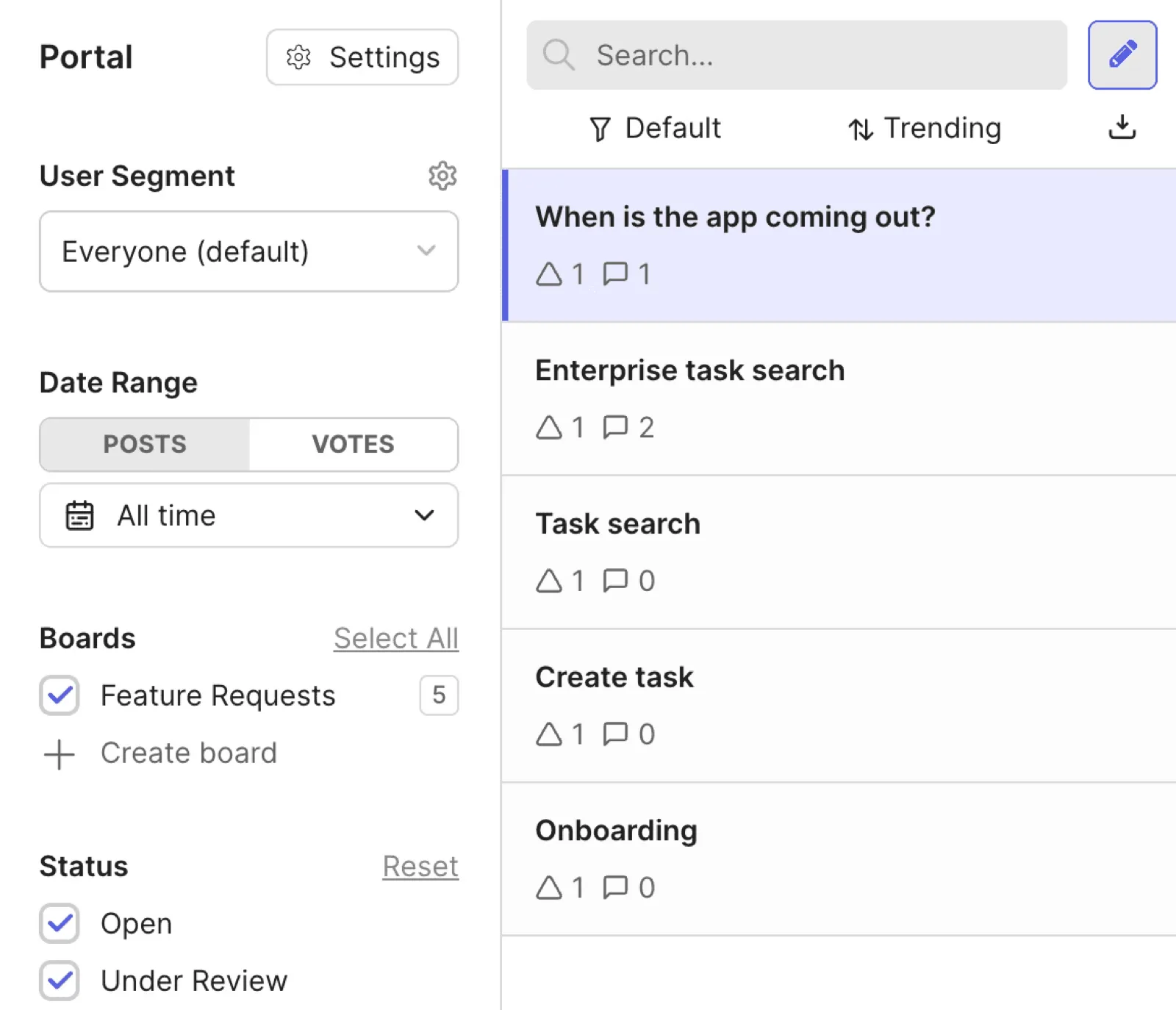
Canny’s feedback portal gives customers a place to submit feature requests, vote on suggestions, and discuss what they need. Your team can see those requests together instead of piecing them together from separate conversations.
Canny Autopilot can also capture and combine duplicate feedback from connected sources, so customers do not always need to visit the portal. Check which sources you can connect and how many tracked users your plan allows.
Prioritise ideas with customer evidence
A feedback post is what customers see. An idea is the internal item your team uses to bring related requests and customer evidence together. Teams can group ideas and organise them into a hierarchy before deciding what to build.
To compare ideas, teams can filter feedback by customer attributes, assess revenue impact, and score ideas with custom formulas or weighted impact and effort. Those scores are more useful when your team has the customer data and effort estimates to support them.
Share a roadmap and product updates
Canny’s public roadmap shows feedback posts in status columns. Visitors see posts from boards they can access. Custom statuses and columns require Pro or Business. When a status changes, Canny can notify voters and selected users whose feedback was tracked internally, depending on access and notification settings.
Teams can publish product updates in a changelog with text, images, labels, and links to related feedback. The roadmap shows progress; the changelog explains what shipped.
Connect Canny ideas to Jira
Canny’s Jira integration is available on Pro and Business. It links ideas to Jira issues and can sync mapped statuses in both directions, so your team can connect planning in Canny with delivery work in Jira.
Each idea can link to one Jira issue. If ideas are merged, links from the merged idea are removed. Older, migrated links between one idea and several issues do not sync status. Teams still using Canny’s older Posts experience have one-way status sync from Jira to Canny. Check these rules if one idea maps to several delivery issues.
Pricing
Canny has a free plan. Paid pricing scales with tracked users associated with feedback, including feedback captured by Autopilot. The tracked-user allowance counts people associated with feedback, rather than the number of teammates managing the tool.
Estimate how many customers will give feedback through the portal or connected sources. The Jira integration requires Pro or Business. Check Canny’s current pricing for the cost at your expected tracked-user count.
| Plan | Starting price | Tracked users |
|---|---|---|
| Free | $0/month | 25 |
| Pro | From $79/month | 100+ |
| Business | Custom | Custom |
USD. Pro’s starting price is billed annually. Higher tracked-user limits can cost more. Checked 25 September 2026.
Who is Canny a good fit for?
Canny is a good fit when your team wants one place to collect feature requests, maintain an idea backlog, and prioritise with customer evidence. Its portal, scoring, roadmap, and changelog cover the path from feedback to product updates.
If you use Jira, decide where your team should manage product ideas. Canny provides a separate idea workspace connected to Jira. Check whether you want to maintain that workspace and whether its one-issue-per-idea rule fits your delivery process.
