Roadmap presentation and publishing
Compare the context customers can see and the control your team has over sharing plans and progress.
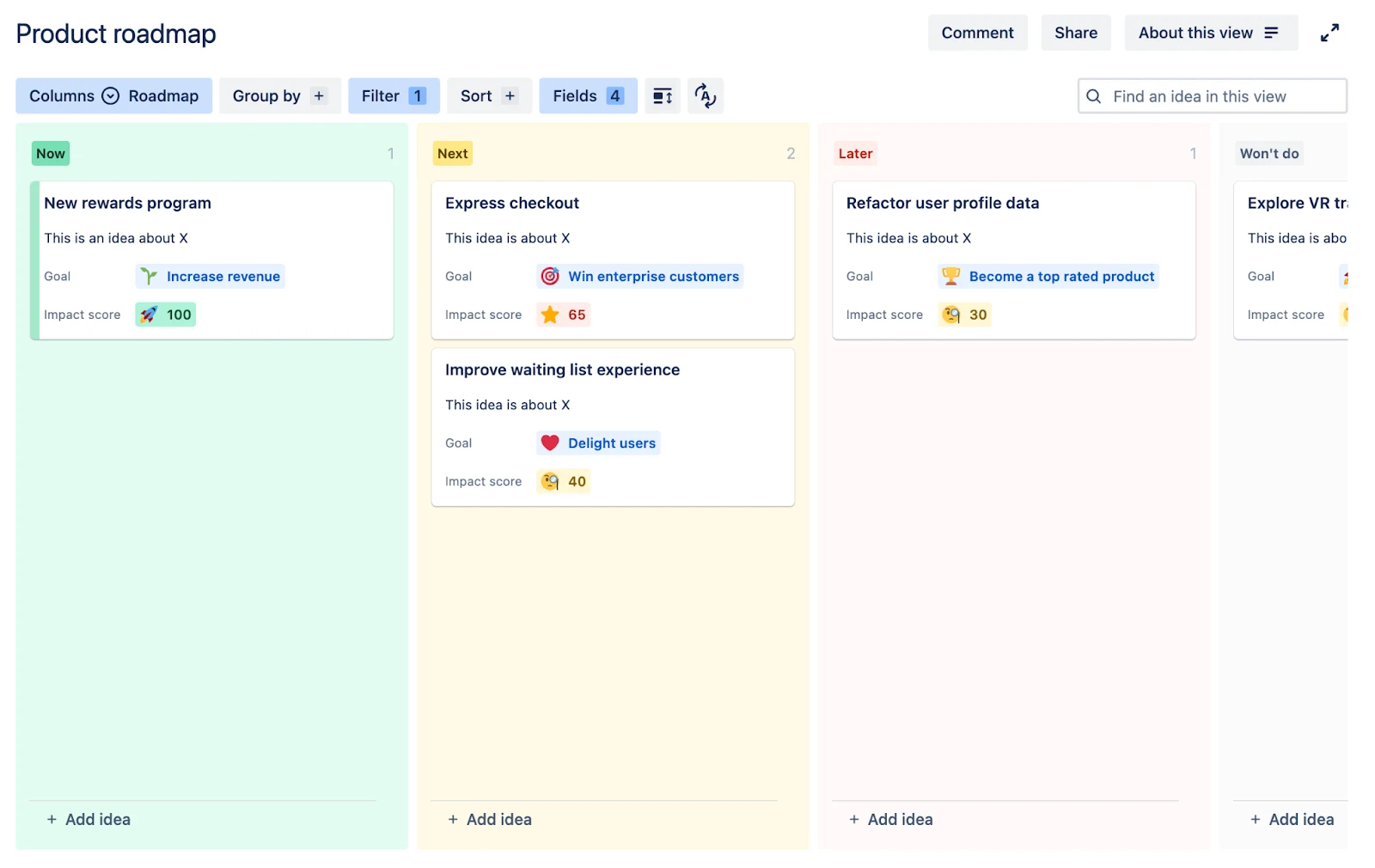
Jira Product Discovery’s public sharing is limited to read-only views. Visitors can browse, filter, and sort ideas, but cannot submit feedback or vote.
Teams can choose which supported fields and descriptions appear, but votes, reactions, custom formulas, and insight counts cannot be published. Customer participation needs invited contributor access or a connected Jira Service Management portal.
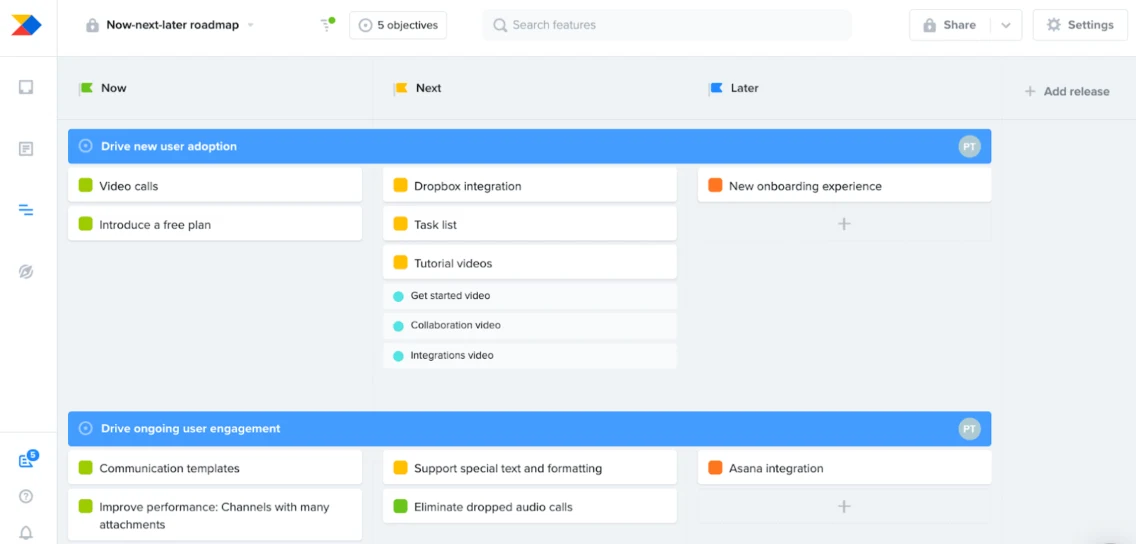
Published roadmaps can expose selected card attributes such as status, ownership, health, confidence, custom fields, and Customer Importance Score. Makers and admins explicitly publish or unpublish eligible roadmaps and can add a passcode.
Customer demand and prioritisation
Look beyond vote totals to understand which requests matter, who needs them, and how they inform priorities.
Build custom prioritisation formulas with roll-ups, weighted scores, and expressions.
Productboard supports configurable formulas and fields for evaluating product opportunities. Formula availability varies by plan. Customer segments group users or companies and can be used to filter feedback and prioritise features.
Aggregated customer fields can roll up values such as account ARR onto product items for prioritisation.
Feedback collection and conversations
Consider how easily customers can share feedback and continue the conversation with your team.
Organise insights with labels and impact ratings, then use that evidence to prioritise ideas.
Public views are read-only. Collecting customer requests and continuing conversations requires invited contributor access or a connected Jira Service Management setup.
Insights boards support filtering, note ownership, processed status, and routing feedback to the responsible product manager. Productboard collects feedback through insights boards, portals, forms, email forwarding, imports, and connected support or chat tools.
Connected sources can automatically import matching feedback, and Productboard can automatically link feedback to related feature ideas.
Jira integration and administration
Look at how feedback connects to Jira work and what your team needs to manage across the two tools.
Create or link Jira delivery work from an idea and monitor delivery progress.
The Jira integration supports importing, pushing, linking, field mapping, and two-way synchronisation between Productboard items and Jira issues. Requires integration setup, an authorised Jira user, and compatible field mappings.
Mapped Productboard and Jira statuses can synchronise automatically, including two-way configurations. Productboard users and roles are administered separately from Atlassian accounts and permissions.


 Jira Product Discovery