Roadmap presentation and publishing
Compare the context customers can see and the control your team has over sharing plans and progress.
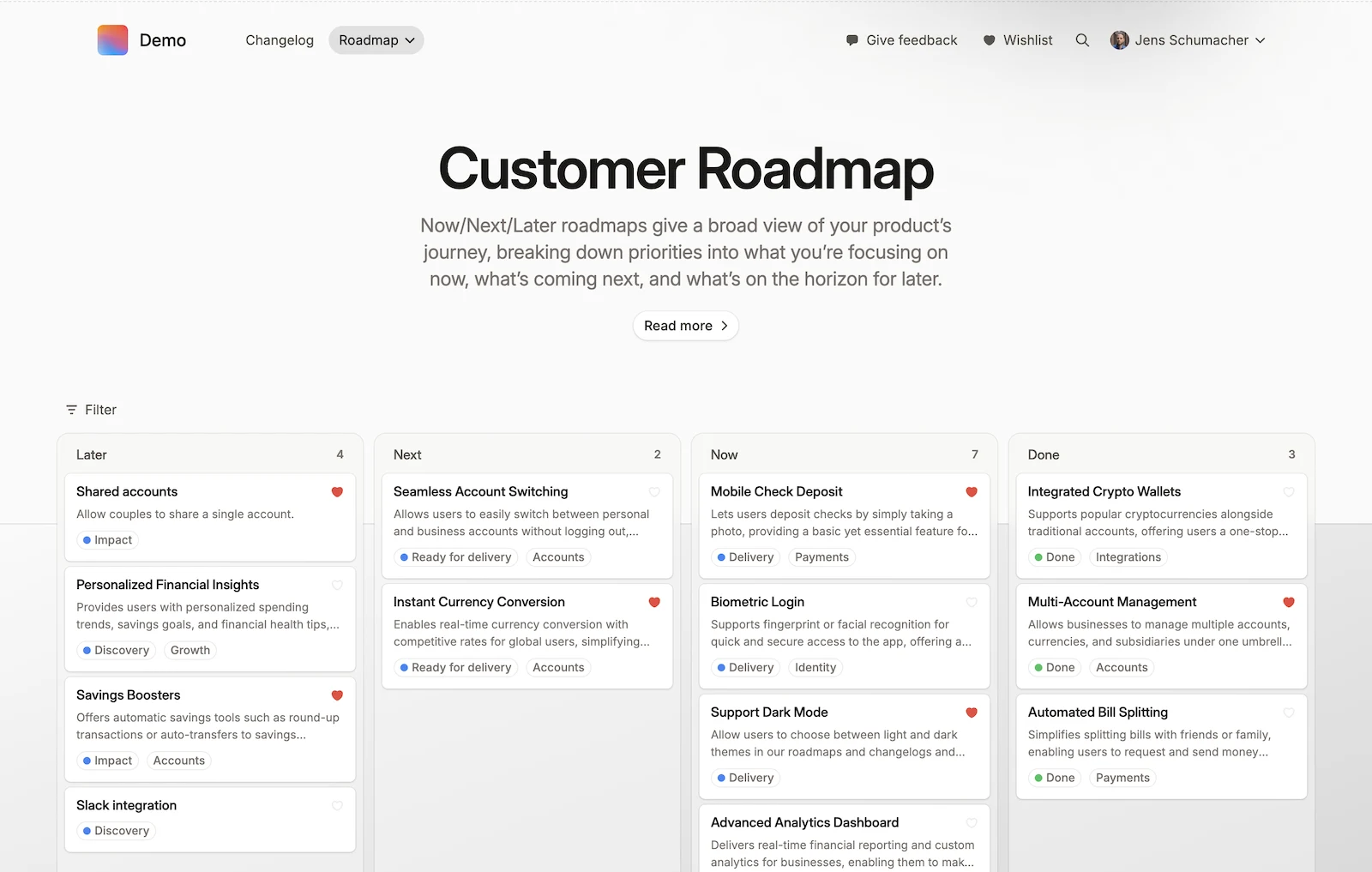
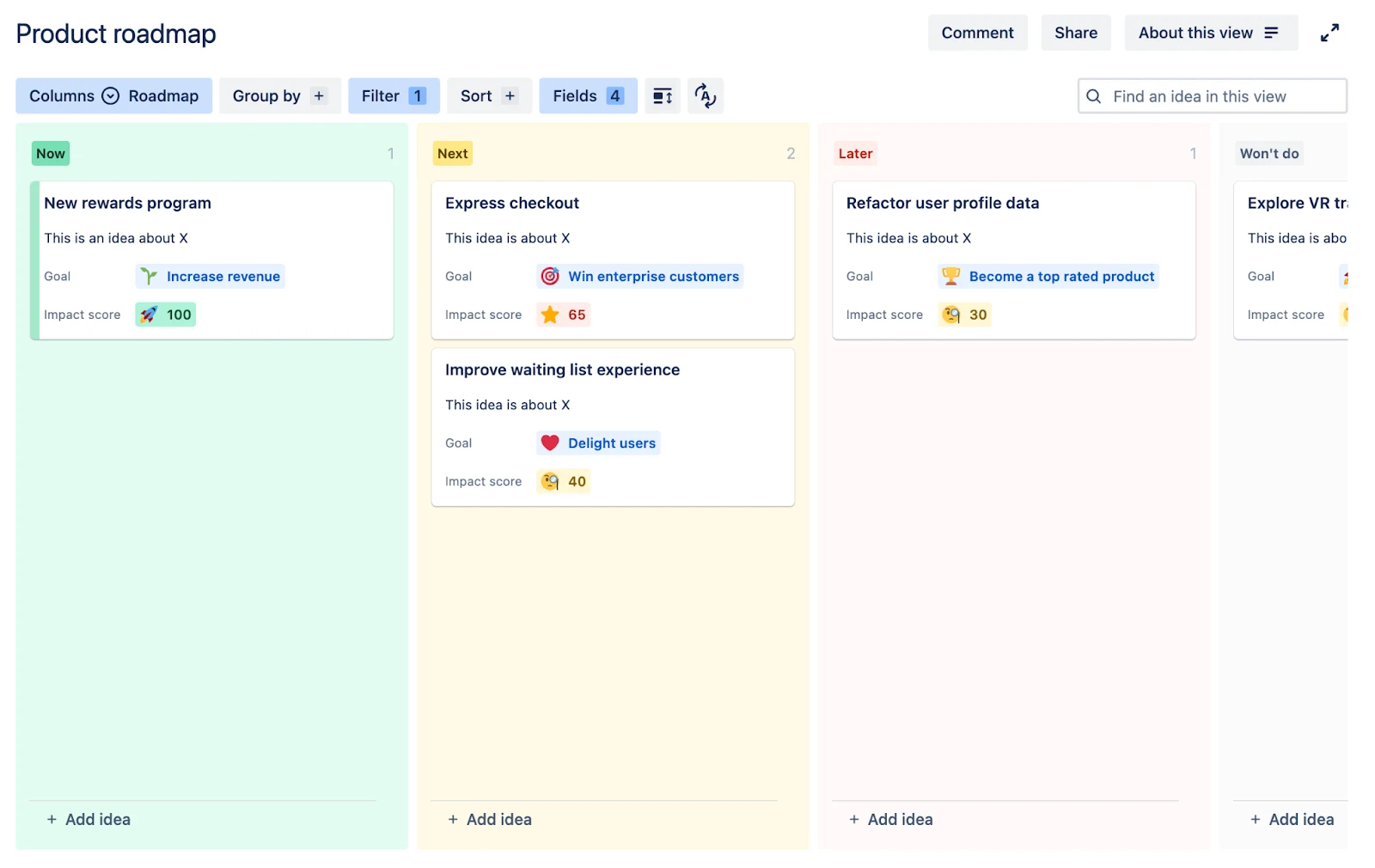
Teams choose the Jira fields customers see and write a separate public description for each roadmap item. This creates a customer-facing view with the planning context the team wants to share.
Jira data remains current in the backend, with control over when updates are published to stakeholders and customers.
Jira Product Discovery’s public sharing is limited to read-only views. Visitors can browse, filter, and sort ideas, but cannot submit feedback or vote.
Teams can choose which supported fields and descriptions appear, but votes, reactions, custom formulas, and insight counts cannot be published. Customer participation needs invited contributor access or a connected Jira Service Management portal.
Customer demand and prioritisation
Look beyond vote totals to understand which requests matter, who needs them, and how they inform priorities.
Scoring and prioritisation use the capabilities of Jira and Jira Product Discovery, including custom formulas such as RICE in JPD.
Personal wishlists offer configurable selection limits and hidden counts, encouraging customers to choose what matters most. Why personal wishlists work better than public voting.
Build custom prioritisation formulas with roll-ups, weighted scores, and expressions.
Jira integration and administration
Look at how feedback connects to Jira work and what your team needs to manage across the two tools.
Feedback on a roadmap item links automatically to its Jira work item, keeping customer input connected to the work being discussed. Teams can also link general feedback from the inbox. Jira-connected roadmaps retain control over when updates are shared publicly.
Link discovery ideas to existing Jira work items or create new delivery work.
Feedback collection and conversations
Consider how easily customers can share feedback and continue the conversation with your team.
A shared inbox brings feedback threads, search, workspace/status filters, and keyboard shortcuts into one place. Replies stay in the original thread, keeping each conversation and its context together.
Organise insights with labels and impact ratings, then use that evidence to prioritise ideas.
Public views are read-only. Collecting customer requests and continuing conversations requires invited contributor access or a connected Jira Service Management setup.


 Released Hub