Customer demand and prioritisation
Look beyond vote totals to understand which requests matter, who needs them, and how they inform priorities.
Featurebase supports filters, customer revenue, and prioritisation frameworks for assessing ideas. Teams can create user segments from synced customer attributes and use them for filtering, targeting, and access. Customer attributes such as revenue can be synced and used to filter and prioritise feedback.
Teams can configure priority factors and compare ideas in a prioritisation matrix. Frill supports user segments and custom attributes for targeting and analysis.
Release-note creation and distribution
Consider how delivery work becomes a clear product update, from drafting through to publishing and distribution.
Featurebase Updates publishes release announcements to a hosted page, in-app widgets, and email subscribers. Featurebase can email subscribers about product Updates.
Frill Announcements publishes product updates with categories, media, comments, and reactions. Readers can subscribe to Announcements and receive product-update emails.
Feedback collection and conversations
Consider how easily customers can share feedback and continue the conversation with your team.
Teams can organise and prioritise feedback with boards, filters, customer data, and prioritisation frameworks. Featurebase collects feedback through a portal, in-app widgets, surveys, integrations, and its support workspace.
An Ideas inbox supports moderation, duplicate merging, status management, topics, and filtering. Frill collects ideas through its portal, embedded widgets, integrations, surveys, and team submissions.
Jira integration and administration
Look at how feedback connects to Jira work and what your team needs to manage across the two tools.
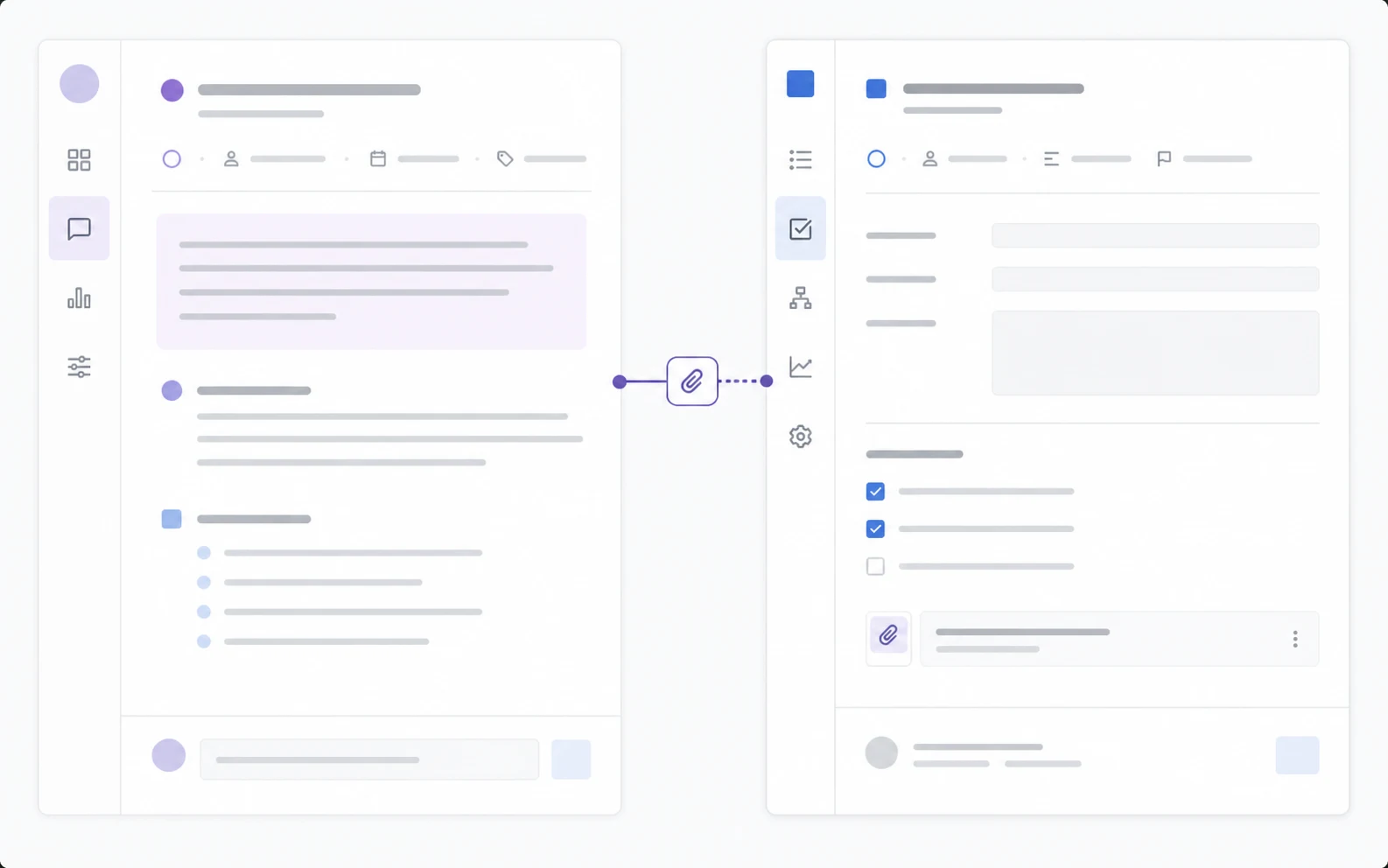
The Jira integration links or creates Jira issues and supports configurable two-way status mappings. Configurable rules provide two-way status sync between Featurebase posts and Jira issues. Featurebase uses its own seat-based workspace administration alongside the Jira app and Jira authorization.
Frill can create a Jira Cloud issue from an idea and keep links between the records.
The documented integration creates issues in one configured Jira project; it does not document Jira-to-Frill status synchronization. Frill uses its own workspace roles and integration administration alongside Jira authorization.


 Featurebase