
Best customer feedback tools for Jira in 2026
Compare customer feedback tools that connect requests, product decisions, and delivery work in Jira. Find the best fit for Jira-native workflows, public voting, product operations, and enterprise feedback.
On this page
For Jira teams, the main choice is where the feedback workflow should live. If Jira or Jira Product Discovery already holds your delivery work, Released Hub is the strongest fit because it adds feedback collection, customer context, public roadmaps, and release communication without introducing a separate planning database.
A standalone platform makes more sense when feedback needs its own workflow. Canny emphasises public voting, Featurebase combines feedback with customer-facing updates and support, and Productboard or Aha! add broader product operations or portfolio planning. The table below compares how each approach connects feedback to Jira, communicates with customers, and affects cost.
Customer feedback tools for Jira compared
Scroll horizontally to compare all columns.
| Tool | Best for | Jira relationship | Customer communication | Pricing approach |
|---|---|---|---|---|
 Released Hub Released Hub | Jira-native feedback and communication | Works from Jira and Jira Product Discovery data | Feedback portal, replies, wishlists, roadmaps, and release notes | Based on active licensed users on the Jira site |
 Canny Canny | Public voting and a standalone feedback system | Links ideas to Jira and maps statuses | Feedback portal, voting, comments, roadmap, and changelog | Based partly on tracked users |
 Featurebase Featurebase | An all-in-one customer-facing suite | Syncs feedback and status with Jira | Feedback, roadmap, updates, surveys, and support | Workspace plans with feature and usage limits |
 Productboard Productboard | Dedicated product operations | Configurable imports, field mapping, and two-way sync | Feedback repository, forms, portals, and published roadmaps | Based mainly on maker seats and plan limits |
 UserVoice UserVoice | Established enterprise feedback programmes | Connects ideas and Jira work through a configured integration | Portals, voting, segmentation, and status communication | Contract-based plans |
 Jira Product Discovery Jira Product Discovery | Internal discovery and prioritisation | Native Atlassian discovery connected to Jira delivery | Public views, with limited anonymous participation | Creator-based plans with free contributors |
 Aha! Aha! | Strategy, portfolios, and managed idea portals | Configurable Aha!-to-Jira integration | Idea portals, voting, roadmaps, and announcements | Paid internal users, with separate product and add-on choices |
How we selected these tools
We compared the parts of the workflow that determine whether customer evidence survives the trip into delivery:
- How customers and customer-facing teams submit feedback.
- How product teams triage, group, reply to, and prioritise it.
- How the tool connects feedback to Jira work or Jira Product Discovery ideas.
- How customers see roadmap progress and learn what shipped.
- What creates administration, integration, and pricing overhead as the workflow grows.
The ranking favours a Jira-first workflow because this guide is for Jira teams. It does not mean the first product is the best feedback platform for every company.
Released Hub
Best for Jira-native customer feedback and communication
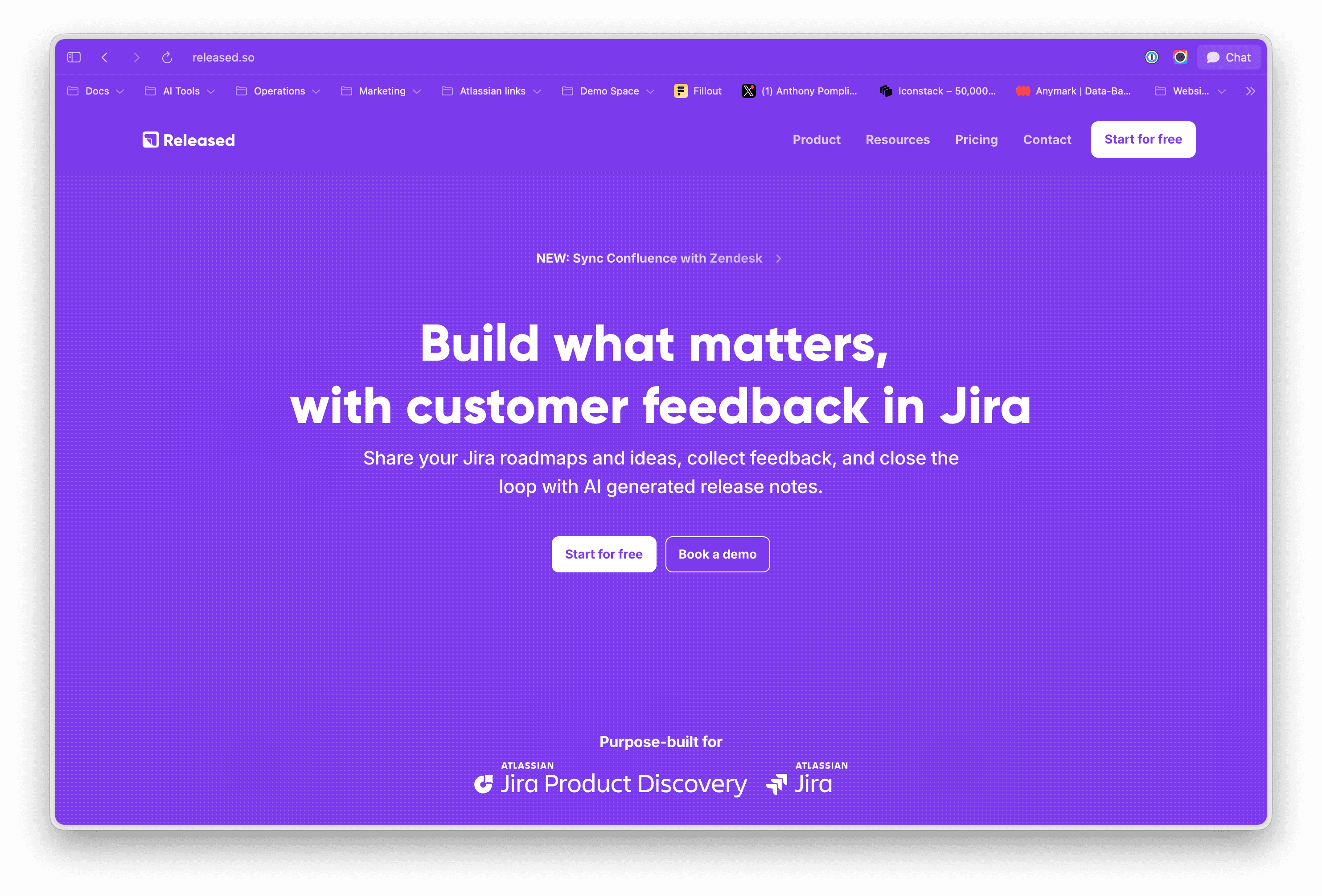
Why choose it: Released Hub adds a customer communication layer to Jira. Customers can submit general feedback, comment on roadmap items, and manage personal wishlists. Product teams work from a shared inbox where they can search and triage threads, reply to customers, and leave internal notes.
Jira workflow: Feedback on a roadmap item connects to its Jira work item automatically. Other feedback can be linked from the inbox. In Jira Software, linked feedback appears on the work item with a feedback count; in Jira Product Discovery, feedback becomes insights. Teams can then publish selected work as customer-facing roadmaps and release notes.
Limits to consider: Released Hub requires Jira Cloud and is designed as a communication layer rather than a standalone portfolio-planning system. Licensing is based on active licensed users on the Jira site, so compare the cost using your site size rather than only the number of product managers.
Pricing approach: A free plan is available for Jira sites with up to 10 users. Paid editions add capabilities such as watermark removal, embedded feedback forms, and Slack feedback. Check the current Released Hub pricing for the exact site cost.
Compare Released Hub and Canny, Released Hub and Featurebase, or Released Hub and Productboard.
Canny
Best for public voting and community-led feedback
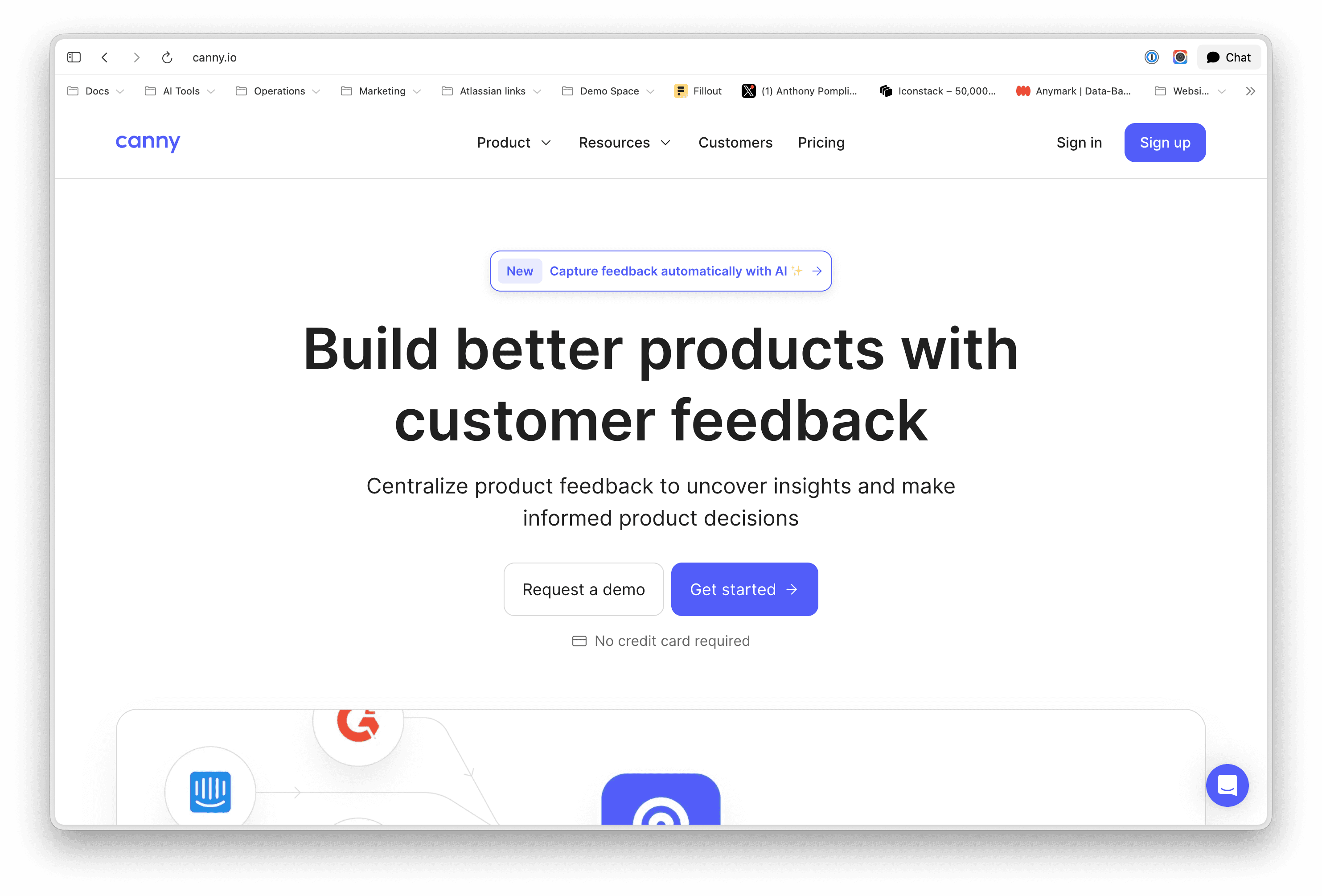
Why choose it: Canny gives customers a dedicated place to submit requests, vote, and discuss ideas. Its current Ideas experience separates internal ideas from customer-facing posts and supports customer attributes, scoring formulas, and automated feedback capture.
Jira workflow: Teams can create or link a Jira issue from a Canny idea and link ideas from Jira. Current Ideas supports mapped status synchronisation in both directions. Integration setup and plan limits apply, and each Canny idea links to one Jira issue.
Limits to consider: Canny becomes another product system with its own roles, customer records, statuses, and integration configuration. Pricing is influenced by tracked users, so model the cost using the number of customers whose activity will be tracked rather than only the number of administrators.
Pricing approach: Canny offers tiered plans with limits on tracked users and advanced capabilities. Jira integration requires a paid plan. Confirm current limits on Canny pricing.
Read the Canny product guide for its feedback workflow and pricing, or the Released Hub and Canny comparison for the Jira-first tradeoff.
Featurebase
Best for an all-in-one customer-facing suite

Why choose it: Featurebase combines feedback boards, public roadmaps, product updates, surveys, and customer support. Customers can submit requests, vote, comment, and subscribe, while teams can use customer attributes such as revenue to filter and prioritise feedback.
Jira workflow: The Jira integration can create or link work and keep selected statuses connected. Featurebase remains the customer-facing system, while Jira owns delivery. That separation works well when the team wants a broader external suite and is comfortable managing the integration boundary.
Limits to consider: Decide which product owns statuses, customer data, and roadmap presentation before rollout. Some advanced capabilities and integrations depend on the selected plan, and the product covers more than feedback, which can be unnecessary for teams that already have support and communication systems.
Pricing approach: Plans bundle different limits and product capabilities. Check Featurebase’s current pricing and the Jira integration scope before comparing it with Jira-site or seat-based alternatives.
Read the detailed Released Hub and Featurebase comparison.
Productboard
Best for dedicated product operations and feedback repositories
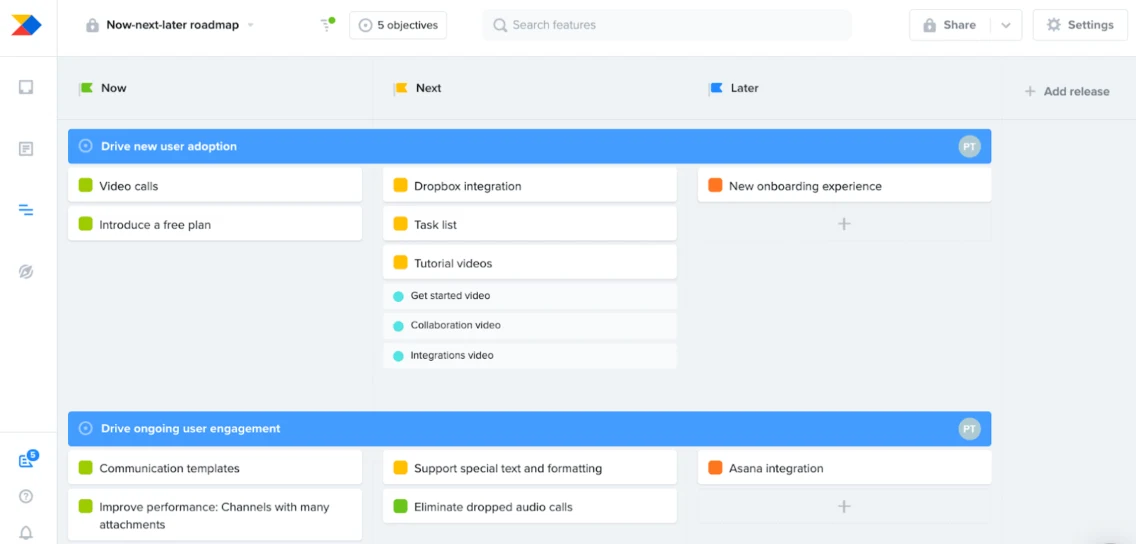
Why choose it: Productboard is built for teams that want customer evidence, prioritisation, and product operations in a dedicated workspace. It collects feedback through insights boards, portals, forms, email forwarding, imports, and connected support or chat tools. Feedback can then be linked to product ideas and scored alongside customer importance.
Jira workflow: Productboard can push prioritised features to Jira, import existing Jira work, map fields, and synchronise selected fields and statuses in both directions. This is one of the more configurable options, but it makes ownership decisions essential.
Limits to consider: Define the source of truth, field mappings, sync direction, and exception handling before making the integration part of the operating model. Productboard’s external portal and published roadmaps are useful, but it is not a dedicated customer release-note platform.
Pricing approach: Paid plans are primarily priced around makers, with plan-specific limits for contributors, feedback notes, AI credits, teamspaces, and portals.
Read the detailed Released Hub and Productboard comparison.
UserVoice
Best for established enterprise feedback programmes

Why choose it: UserVoice focuses on structured feedback collection, customer and account context, segmentation, and enterprise feedback programmes. It suits organisations that want a dedicated system with formal administration and customer-facing portals.
Jira workflow: The integration connects UserVoice ideas with Jira work so product and engineering teams can coordinate status without exposing the complete Jira backlog. Treat the connection as a configured boundary between two systems rather than a native Jira workflow.
Limits to consider: Procurement, setup, and administration are heavier than for lightweight feedback tools. Confirm the current portal, integration, security, and reporting requirements directly with UserVoice before comparing contracts.
Pricing approach: UserVoice uses contract-based plans rather than publishing a simple self-service price for every configuration.
Read the UserVoice product guide for its feedback workflow and pricing, or the Released Hub and UserVoice comparison for the Jira-first tradeoff.
Jira Product Discovery
Best for internal discovery and prioritisation in Jira
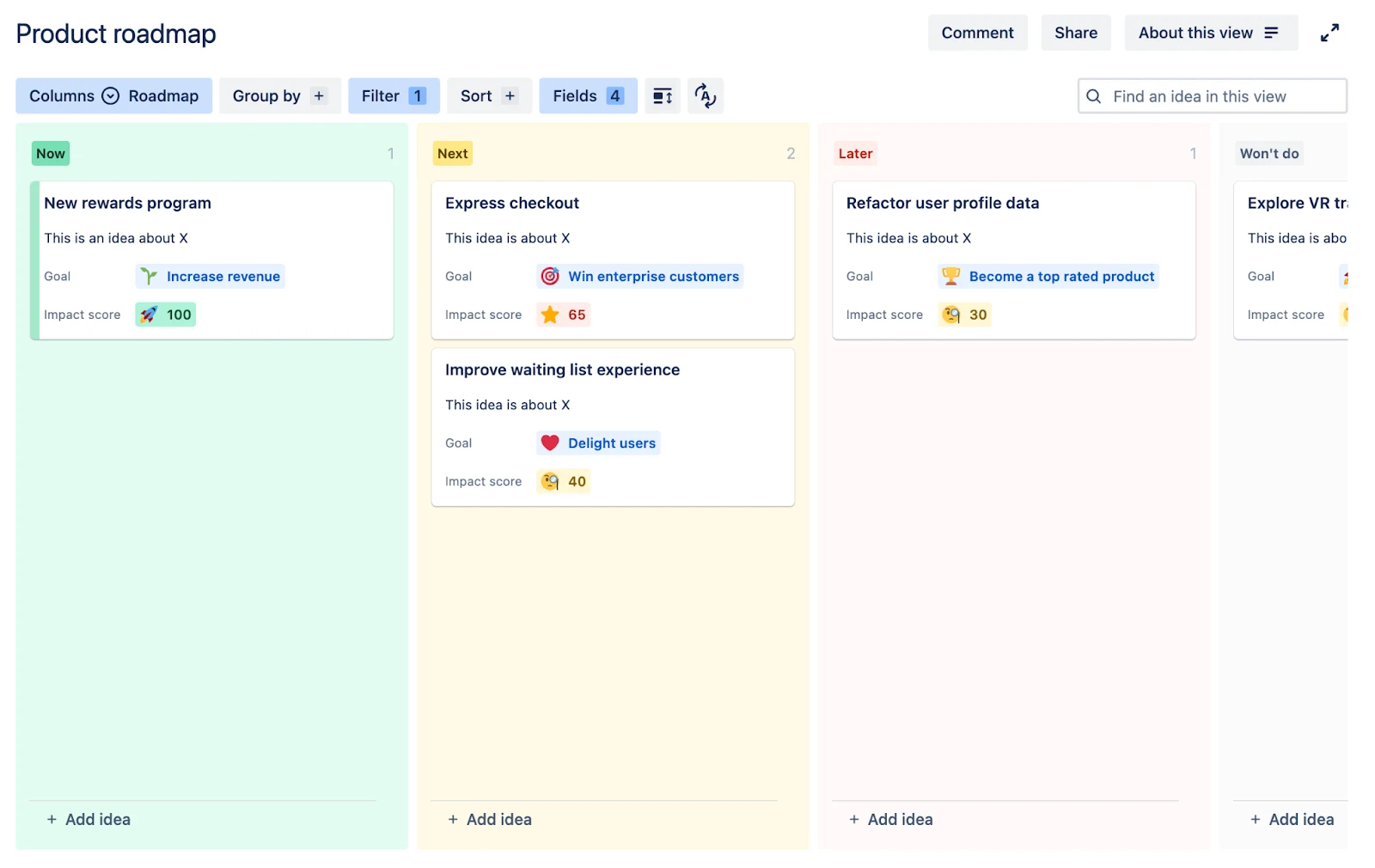
Why choose it: Jira Product Discovery keeps ideas, insights, scoring, and delivery links inside Atlassian. Teams can capture evidence from connected sources, use custom fields and formulas to prioritise ideas, and present the same work through list, matrix, board, timeline, and roadmap views.
Jira workflow: This is the most direct route from discovery to Jira delivery. Product teams can link ideas to Jira work without maintaining a third-party sync and can gather insights from Slack, Microsoft Teams, browsers, and connected Jira Service Management requests.
Limits to consider: Anonymous visitors can read published Jira Product Discovery views but cannot submit feedback or vote. External participation generally requires an Atlassian account and suitable permissions. Teams that need a branded customer portal, threaded customer conversations, or product updates may add a communication layer.
Pricing approach: Jira Product Discovery charges for creators while contributors can participate without a creator licence, subject to plan rules.
Compare Released Hub and Jira Product Discovery.
Aha!
Best for strategy, portfolios, and managed idea portals
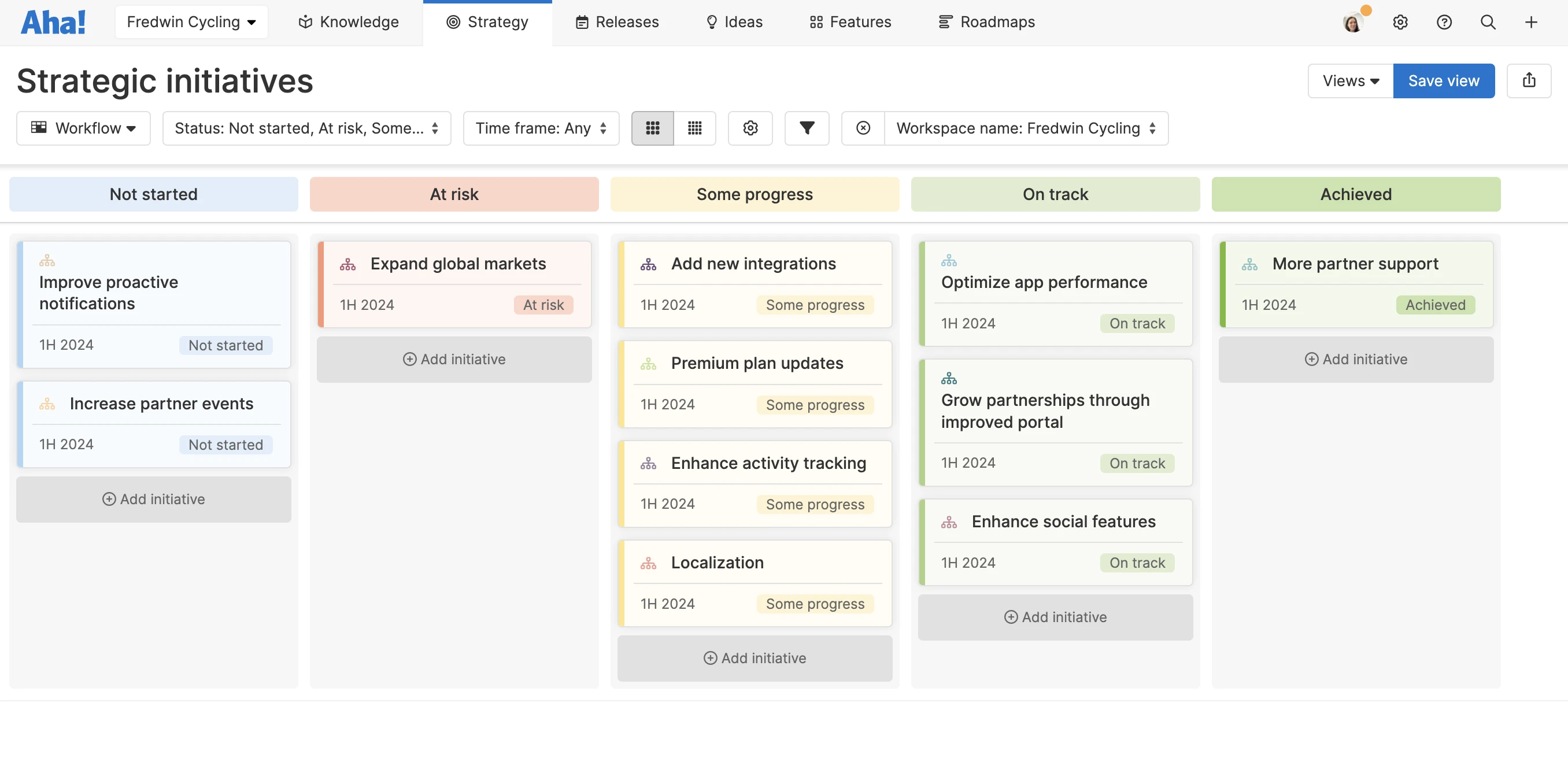
Why choose it: Aha! combines broad product strategy and portfolio planning with idea portals. Teams can collect ideas, use voting and scorecards, reply through portal comments, keep internal comments private, and publish configurable roadmaps.
Jira workflow: Aha! Roadmaps and Aha! Ideas connect to Jira through a configurable integration. Product strategy and prioritisation live in Aha!, while delivery work moves to Jira. The approach is suited to organisations prepared to govern two substantial systems.
Limits to consider: Product choice matters. Ideas Essentials, Ideas Advanced, and Roadmaps cover different capabilities, and advanced portal or integration features may require an add-on. Aha! does not create Jira Product Discovery insights or draft release notes directly from Jira work items.
Pricing approach: Aha! prices paid internal users, with separate standalone products and add-ons. Portal participants do not require the same paid role, but minimum-user and product requirements affect the entry cost.
Read the detailed Released Hub and Aha! comparison.
Which customer feedback tool should a Jira team choose?
Choose Released Hub when Jira already owns product and delivery work and the missing layer is customer feedback, public roadmaps, and release communication.
Choose Canny or Featurebase when the feedback portal should be a standalone product with its own workflow. Choose Productboard when customer research and product operations need a dedicated repository. Choose UserVoice for a formal enterprise feedback programme. Choose Jira Product Discovery when the primary need is internal discovery and prioritisation. Choose Aha! when portfolio strategy and managed idea programmes justify a separate product system.
The deciding question is not which tool has the longest feature list. It is where product data should live, how customer context reaches delivery work, and who will maintain every connection after the initial setup.
Already use Jira or Jira Product Discovery? Explore how Released Hub connects feedback, roadmaps, and release notes.
Customer feedback tools for Jira: common questions
What is the best customer feedback tool for Jira?
Can Jira collect customer feedback by itself?
Does Jira Product Discovery replace customer feedback software?
Should customer feedback create Jira work items automatically?
Sources
Product capabilities and commercial boundaries were reviewed against first-party documentation on 19 September 2026. Released makes Released Hub; the recommendation below is based on the stated Jira-first criteria. We did not conduct a new hands-on test of every competitor for this update.